


IMAGINATION, IN YOUR HANDS

AI Video Maker: Turn Text and Images into Video

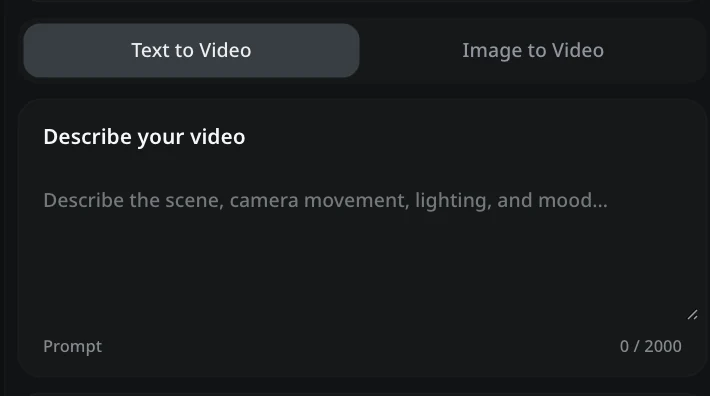
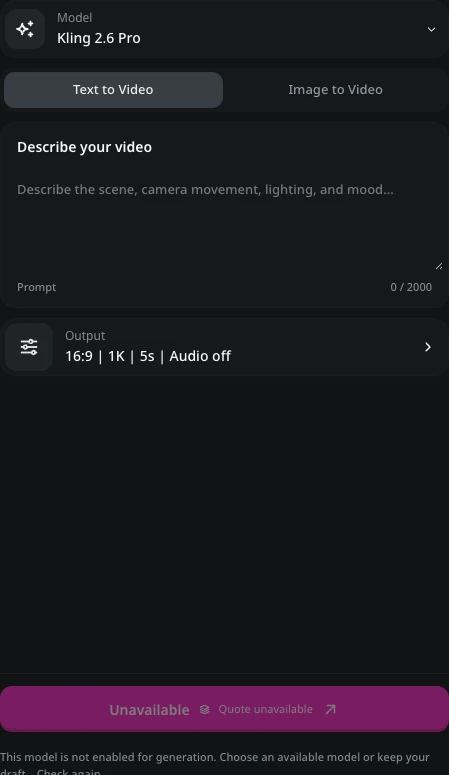
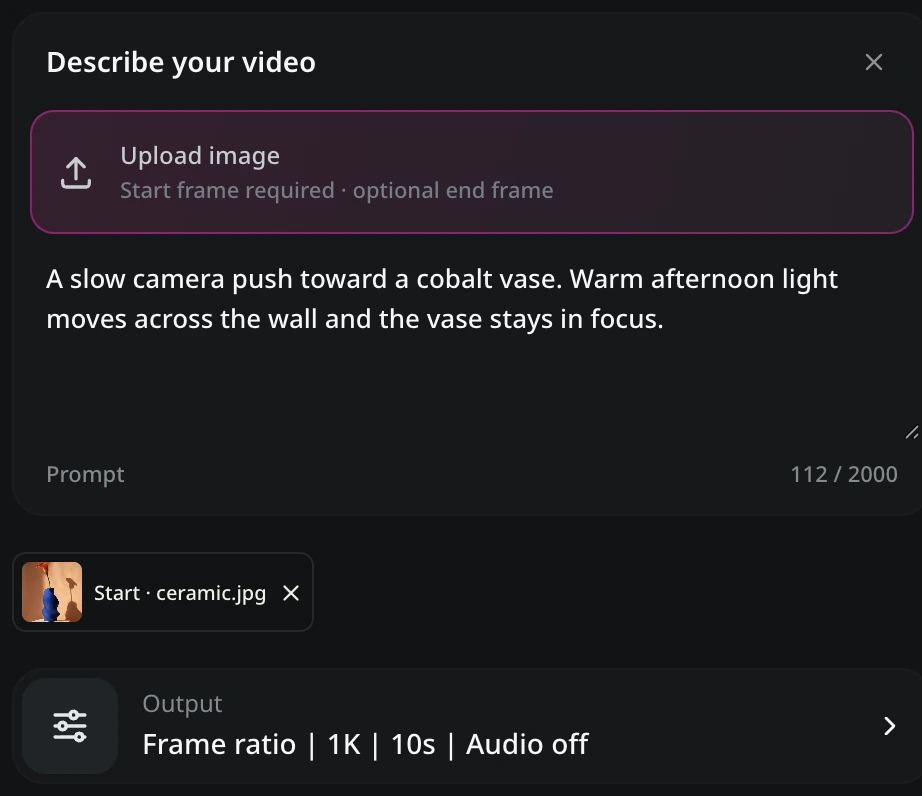
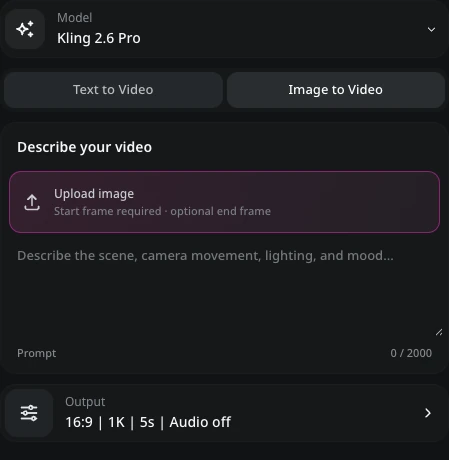
Describe your video

Prompt0 / 2000
Checking generation availability. You can keep preparing your draft. Logging in preserves your draft.
Private by defaultPNG, JPG, WebP · 10 MiB each

My Videos

Sample

Featured AI Video Models

Compare video model options by their inputs, clip lengths, and aspect ratios. Choose the controls that suit your scene, then build a focused prompt or add a reference frame.

Kling 2.6
Seedance 2.5
Wan 3.0 Prime
Kling 4.0
Seedance 2.0
Wan 2.7
Kling 3.0 Omni
Seedance 1.5 Pro

AI Video Maker: Create Videos from Text and Images

Youmiro AI video maker turns a written scene or a reference image into a short clip. Use text-to-video for an idea you can describe, or image-to-video when you already have the composition. The online AI video generator turns your subject, setting, and motion into a finished clip.

Start with the free plan on Youmiro. A product description can become a text-to-video lifestyle scene; a chosen photograph can become an image-to-video moment with subtle movement. Set the frame and duration, then generate the footage your project needs.

Media credits
  • Text to Video
  • Image to Video
  • Free Plan
  • No Download

Youmiro AI Video Maker: Your Video Creation Partner

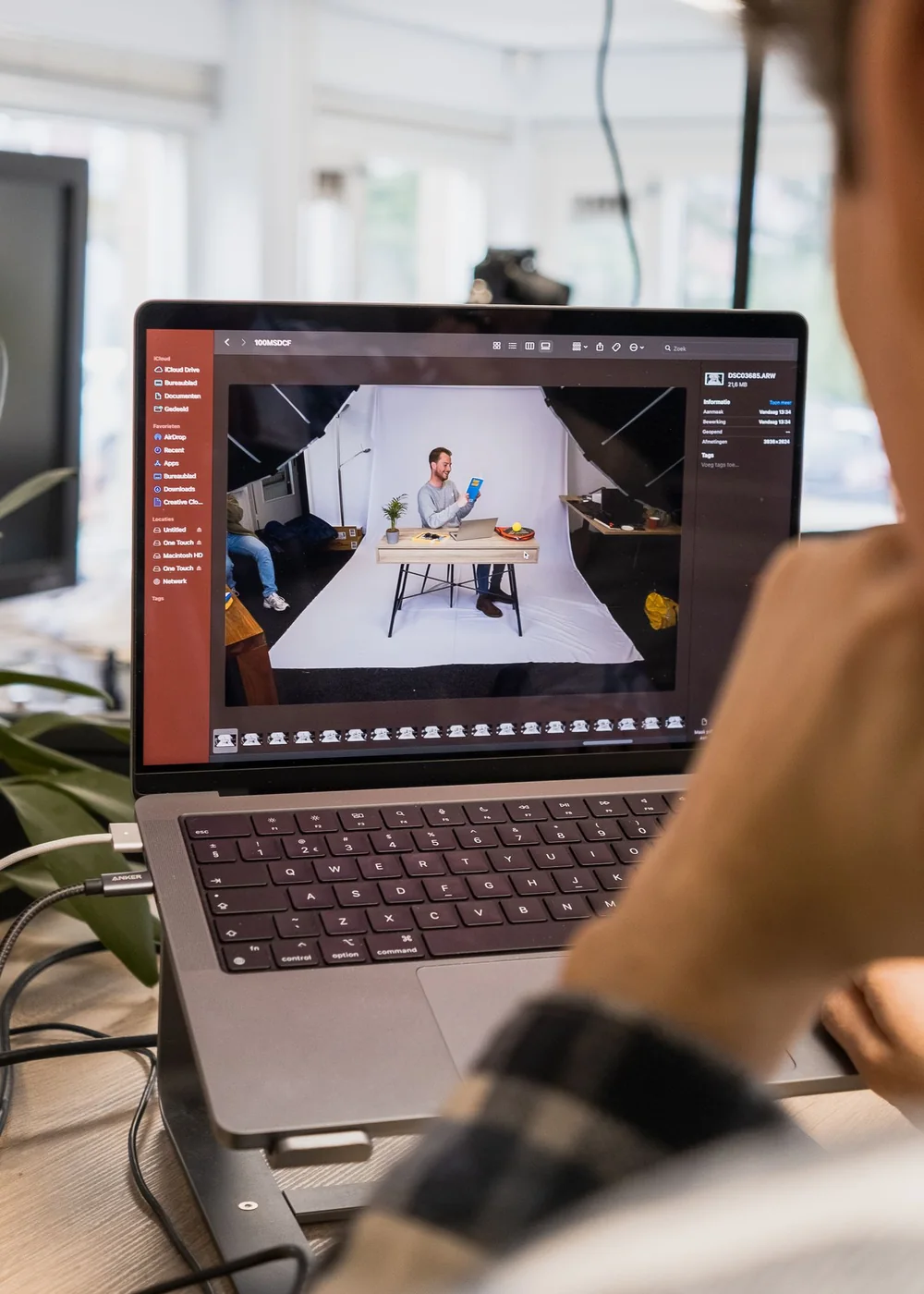
A creator writing ideas beside a laptop

A Simple Workflow from Idea to Video

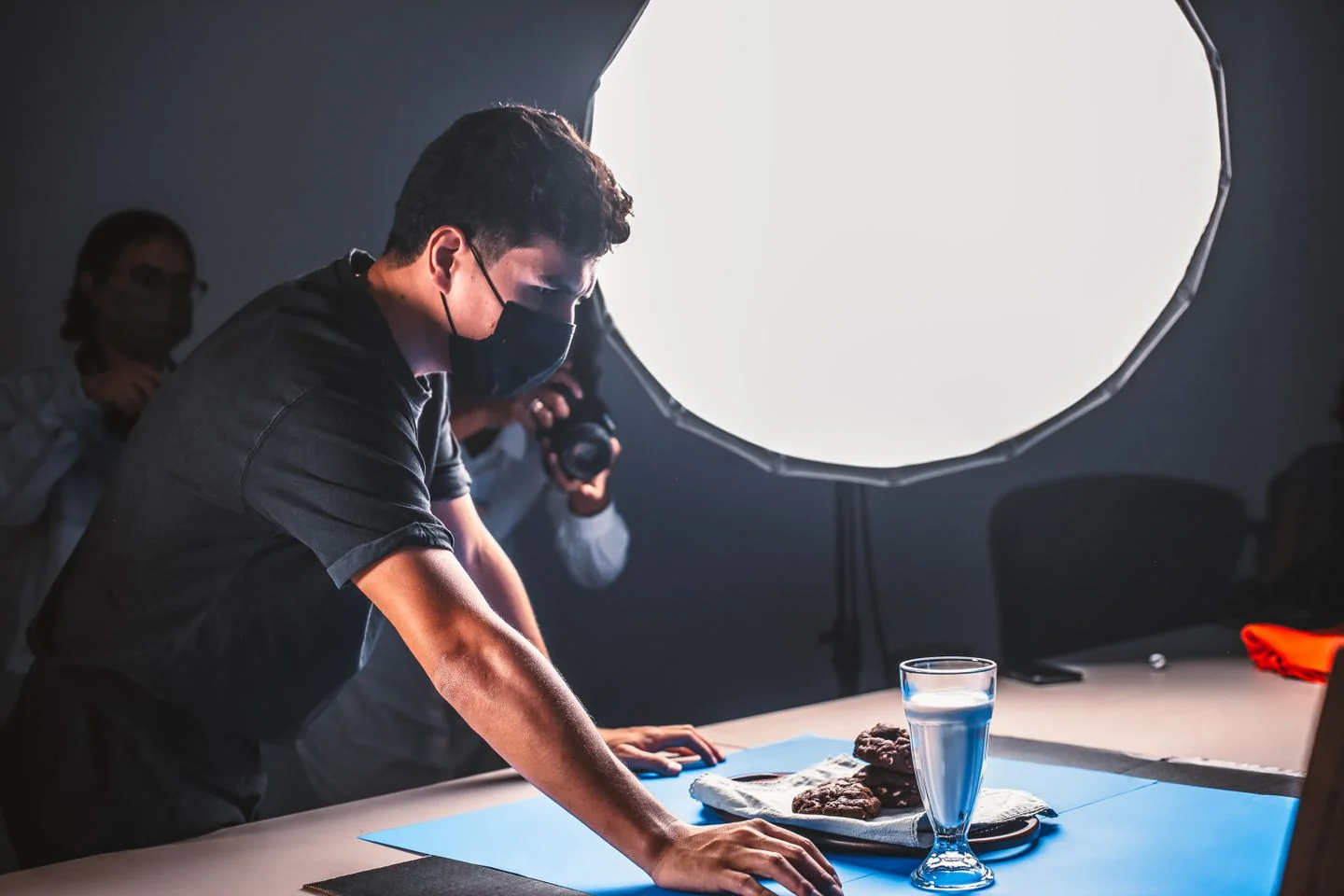
Describe the footage you need in Youmiro AI video maker: subject, environment, lighting, and movement. Text-to-video turns that brief into a clip without arranging a shoot for the first visual concept.

Already have an image? The AI video maker accepts a visual starting point for image-to-video creation. Give the AI video generator a motion description that builds on the composition instead of describing a different scene.

Youmiro AI video maker works with a clear text-to-video action or a restrained image-to-video movement, giving you something concrete to review before developing the next shot.

Explore the Creative Capabilities of Youmiro AI Video Maker

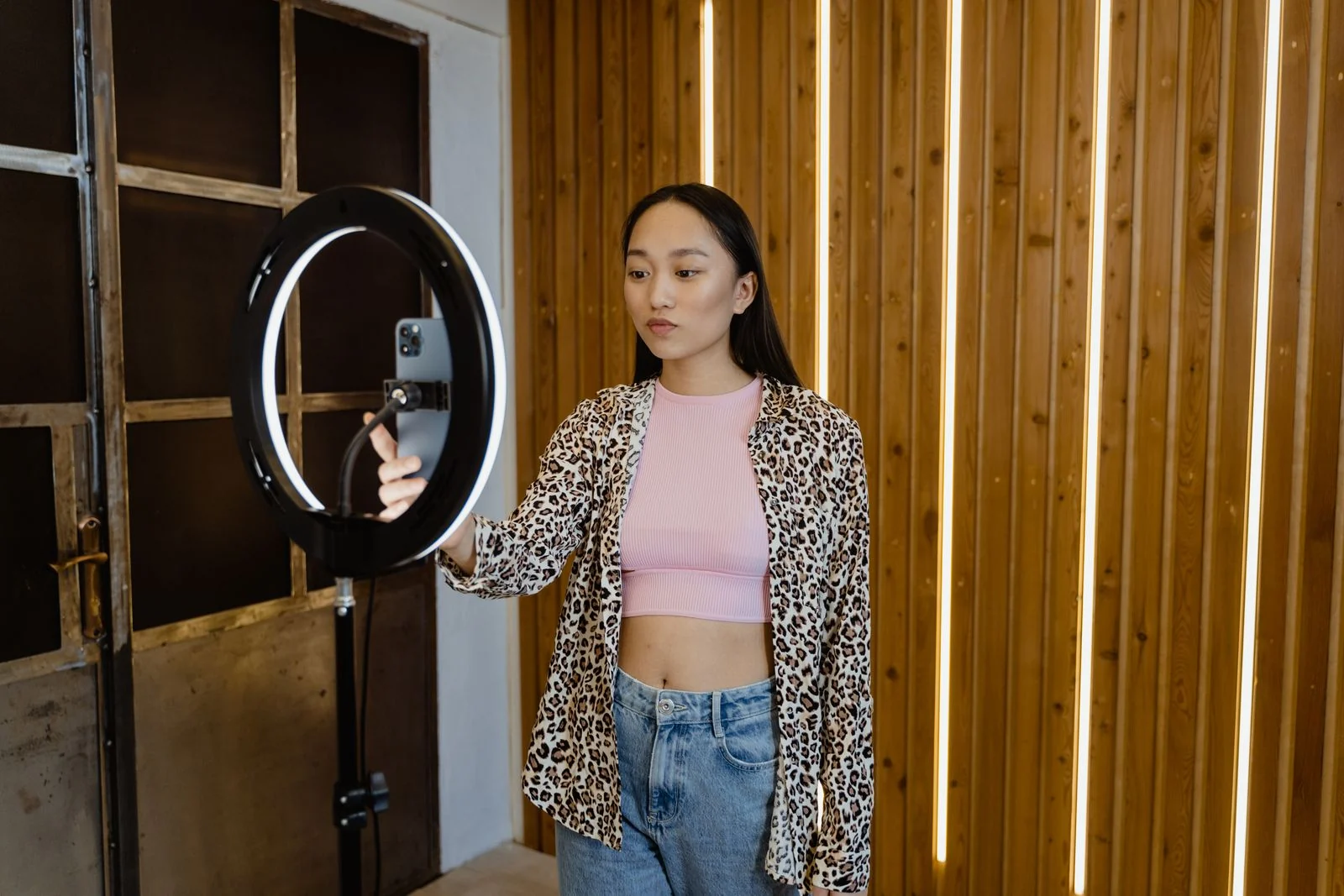
Youmiro image-to-video controls for a reference and prompt

AI Generation from Text and Images

Start with words when the scene does not exist yet. Youmiro AI video maker accepts a text-to-video description of the subject, environment, and action; the AI video generator develops those details into moving footage.

Start with an image when the composition matters most. The AI video maker uses image-to-video input to build movement around a chosen frame rather than inventing the entire setting from scratch.

Youmiro AI video maker combines text-to-video direction with image-to-video references; the video generator receives both the visual anchor and the movement you describe.
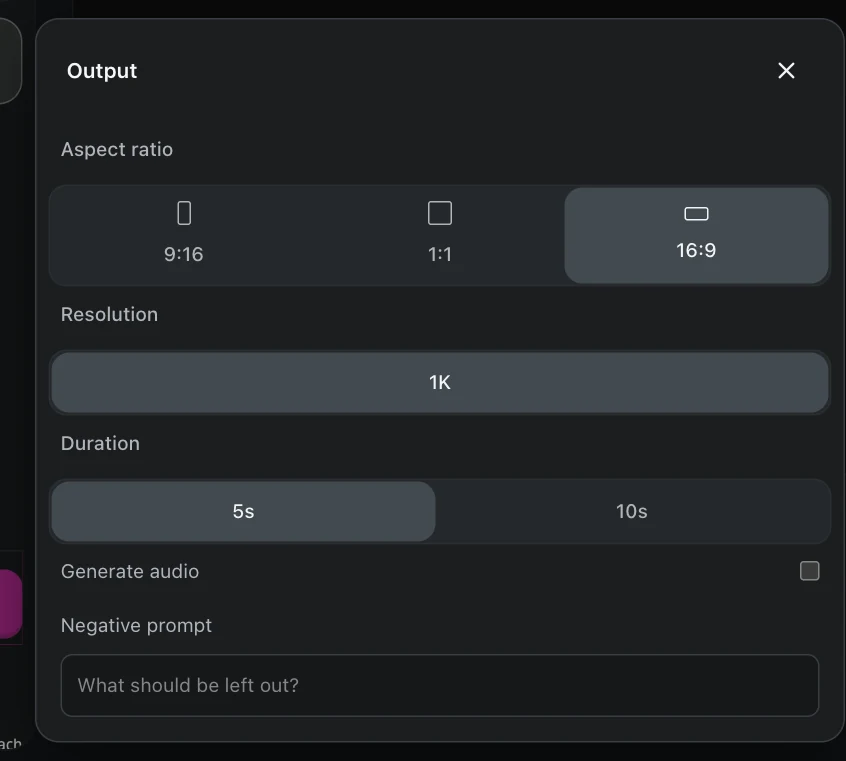
Video output settings for ratio, duration, and audio

Creative Control with Prompts and Video Settings

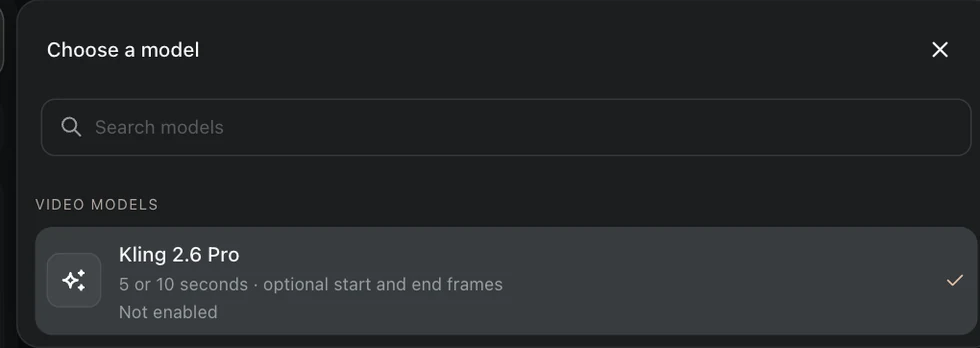
Set the shape and length before you render. Youmiro AI video maker offers 5- or 10-second Kling 2.6 Pro clips, with 16:9, 9:16, and 1:1 framing for text-to-video and image-to-video work.

A start or end reference helps define where a shot begins or finishes. The AI video maker sends those images to the AI video generator alongside the motion prompt for image-to-video creation.

In Youmiro AI video maker, a text-to-video prompt can describe one action and its pacing. Negative prompts name elements you want excluded, keeping the brief focused.

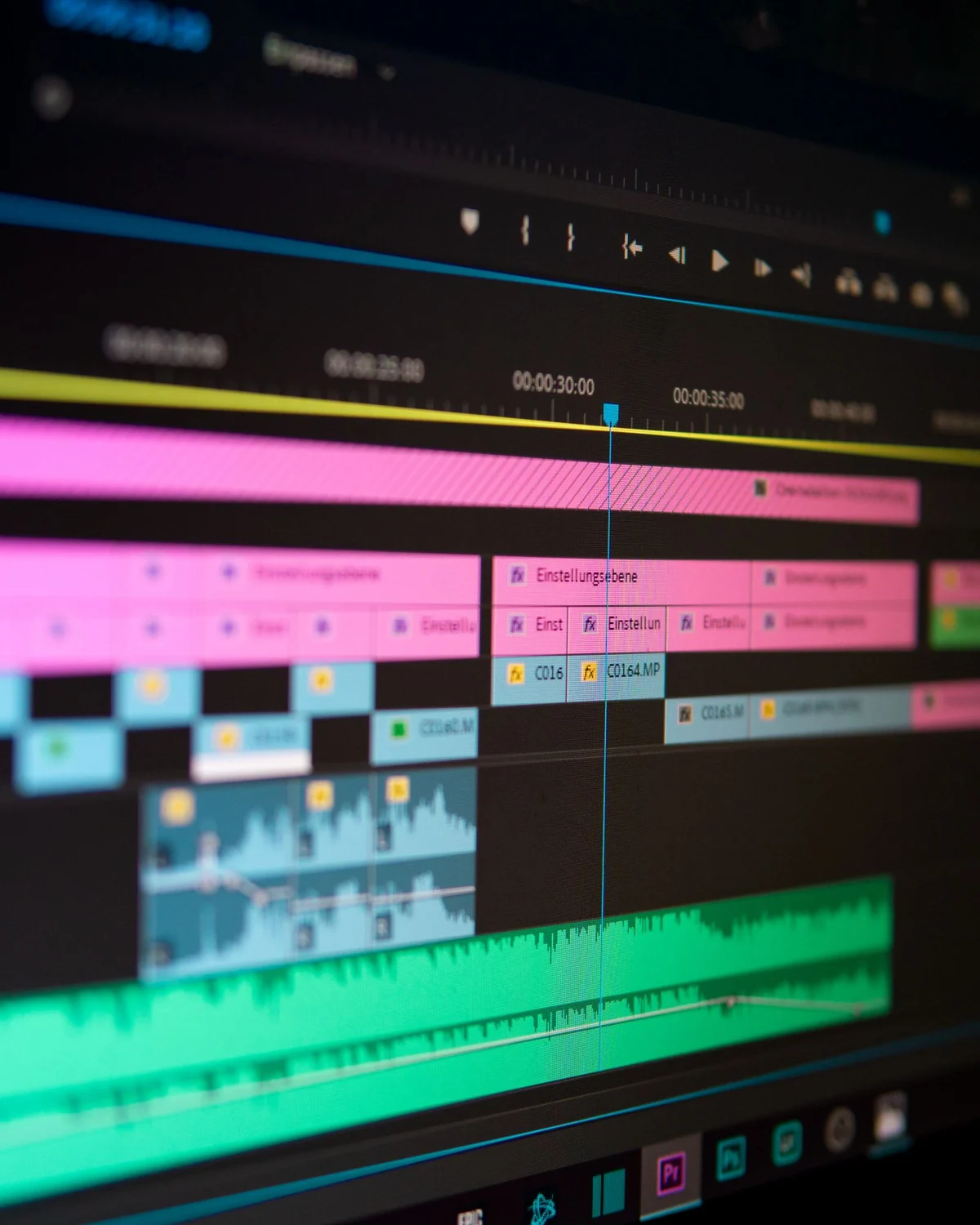
Video and audio tracks on an editing timeline

Video Editing, Audio, and Post-Production

Youmiro AI video maker will add editing tools to trim text-to-video shots and image-to-video clips, keeping the strongest moments for the sequence you want to assemble.

Audio controls in the AI video maker will let you adjust volume and background sound so text-to-video scenes and image-to-video clips flow together.

Finishing tools in the AI video maker will help align picture and sound after the AI video generator finishes a shot. The free basic plan provides a starting point for generation.

Two creators reviewing a video together

Asset Management and Creative Collaboration

Keep source images, prompts, and selected clips together. Planned asset management in Youmiro AI video maker will organize text-to-video versions and image-to-video references in one place. Output from the AI video generator will stay tied to its brief.

Share a selection with collaborators. Planned team collaboration features in the AI video maker will support shared project folders, helping teammates compare clips, discuss changes, and continue from the version chosen for production.

Create Videos in 4 Steps with Youmiro AI Video Maker

  1. Describe Your Scene or Upload an Image

    Open Youmiro AI video maker and choose text-to-video for a written scene. Describe one subject, its surroundings, and a clear action. The AI video generator has a more focused brief when the movement fits a single short shot.

    For image-to-video, upload a photograph or illustration and describe its movement. Youmiro AI video maker accepts PNG, JPEG, and WebP references up to 10 MiB each. The free plan lets you compare a text-to-video idea with an image-to-video interpretation.

  2. Choose Your Model and Video Settings

    Select the model in Youmiro AI video maker. Kling 2.6 Pro offers 5- and 10-second clips; choose 16:9, 9:16, or 1:1 according to the placement. The AI video generator uses those settings with your input.

    Keep framing intentional in the AI video maker. For text-to-video, describe the camera view; for image-to-video, add start and end references when the opening or closing composition matters.

  3. Generate Your Video

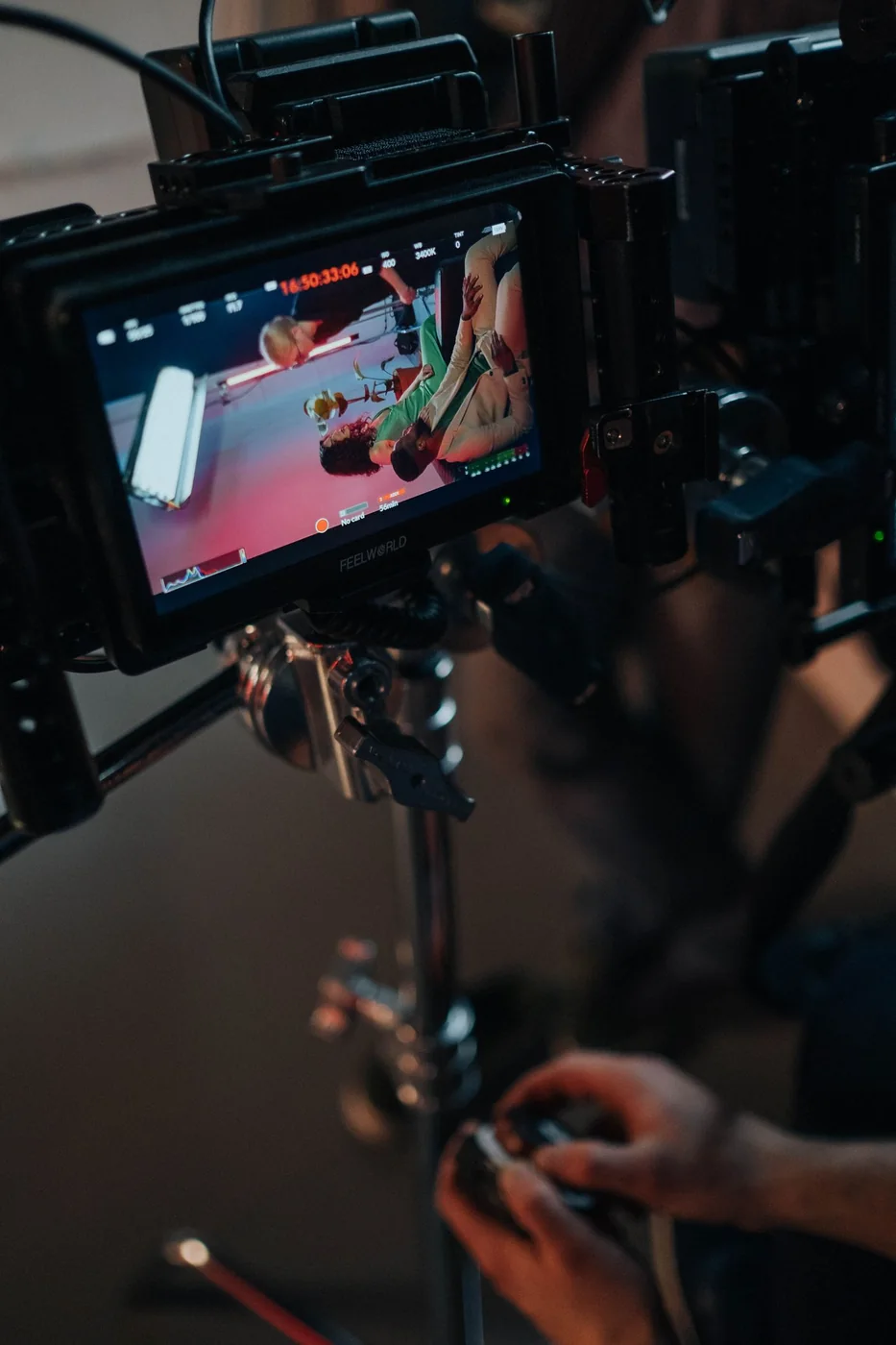
    Submit your brief in Youmiro AI video maker. Watch the returned text-to-video clip for framing and movement, then decide which detail needs refinement before the next AI video generator request.

    For image-to-video results, check how motion relates to the original frame. The AI video maker lets you revise the movement description without replacing a reference you want to retain.

  4. Download Your Clip or Refine the Result

    Download the selected clip from Youmiro AI video maker. Review text-to-video footage and image-to-video footage together before choosing the sequence. Keep the strongest result from the video generator for the placement you planned.

AI Video Maker for Projects Across Industries

Marketing and Advertising Campaigns

Develop a campaign scene before production. Youmiro AI video maker takes a text-to-video brief for a product setting, while the AI video generator gives the team a moving concept to discuss.

Bring an existing product photograph into the proposal. The AI video maker uses image-to-video direction to add motion around the composition, helping a static asset communicate the intended atmosphere.

Explore the campaign from two starting points. Youmiro AI video maker can pair a text-to-video establishing scene with an image-to-video product moment, so the pitch shows both context and subject.

Social Media and Content Creation

Build a vertical scene around a post. Youmiro AI video maker turns text-to-video ideas into short footage for social content; the AI video generator receives the framing and movement you describe.

Give existing artwork another role in the content schedule. Youmiro AI video maker supports image-to-video animation for portraits, illustrations, and branded visuals, with 9:16 or square framing suited to different placements.

Educational and Explainer Content

Show a concept that is difficult to photograph. Youmiro AI video maker supports text-to-video scenes for explanations, while the AI video generator can help visualize a historical setting or a physical process.

Animate an illustration through image-to-video to draw attention to a detail. Use the AI video maker output alongside the lesson, reviewing factual content before presenting it to learners.

Corporate Presentations and Internal Communications

Give a presentation a visual opening. Youmiro AI video maker develops text-to-video scene briefs for a keynote or internal update; a video generator supplies footage that introduces the subject before the speaker explains it.

Use the AI video maker with image-to-video references to bring movement to an existing visual. Widescreen framing fits a standard presentation.

Film Concepts and Cinematic Storytelling

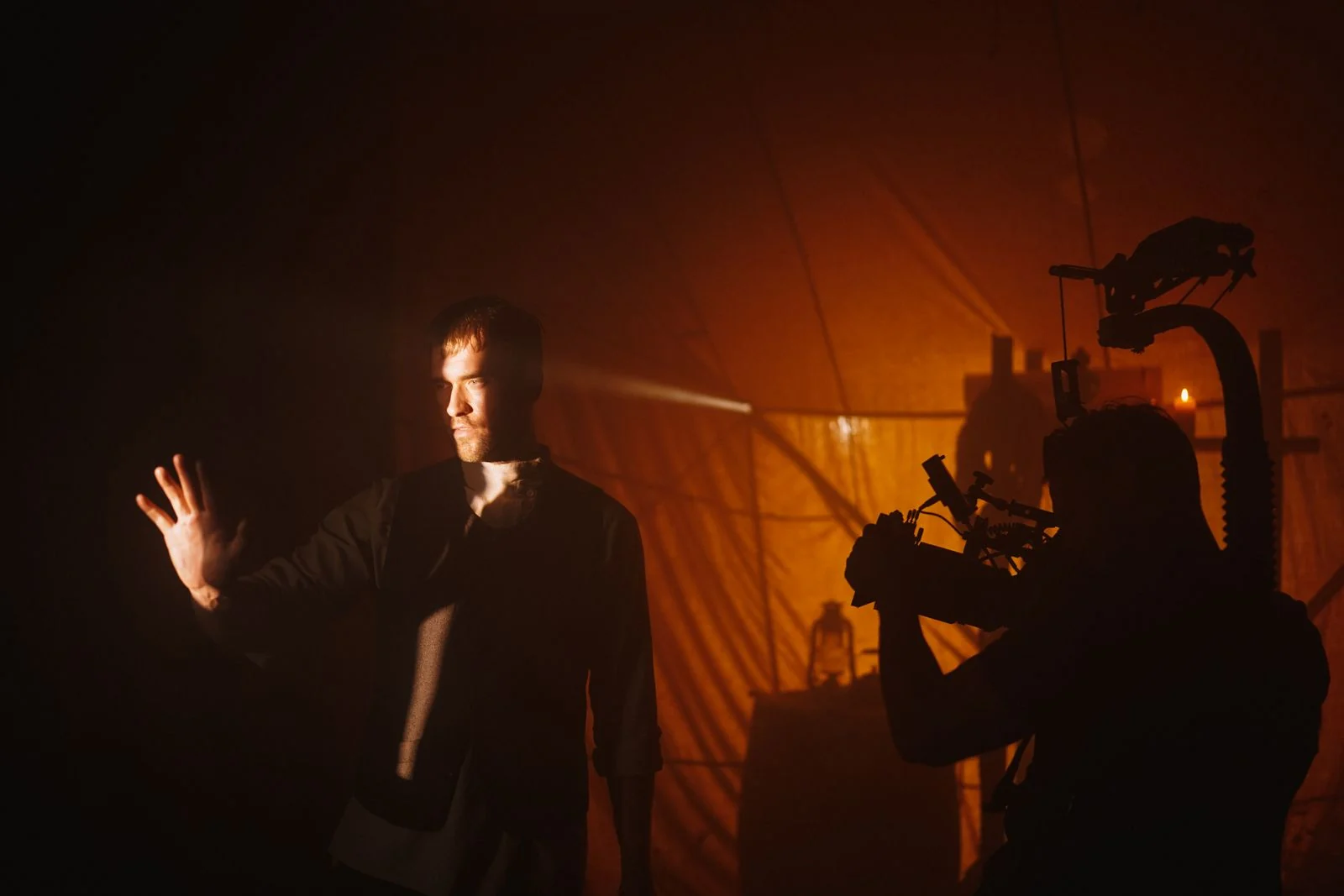
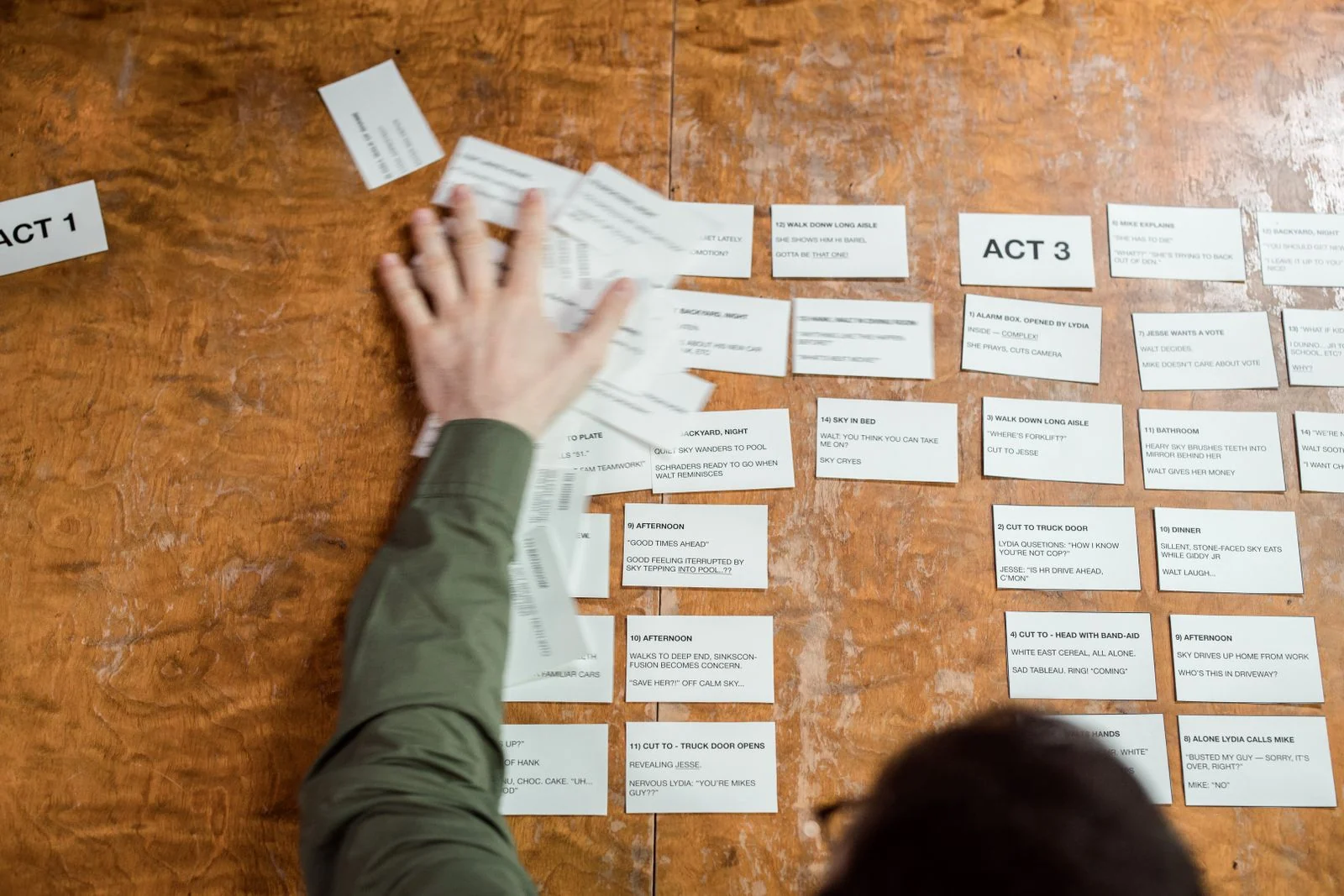
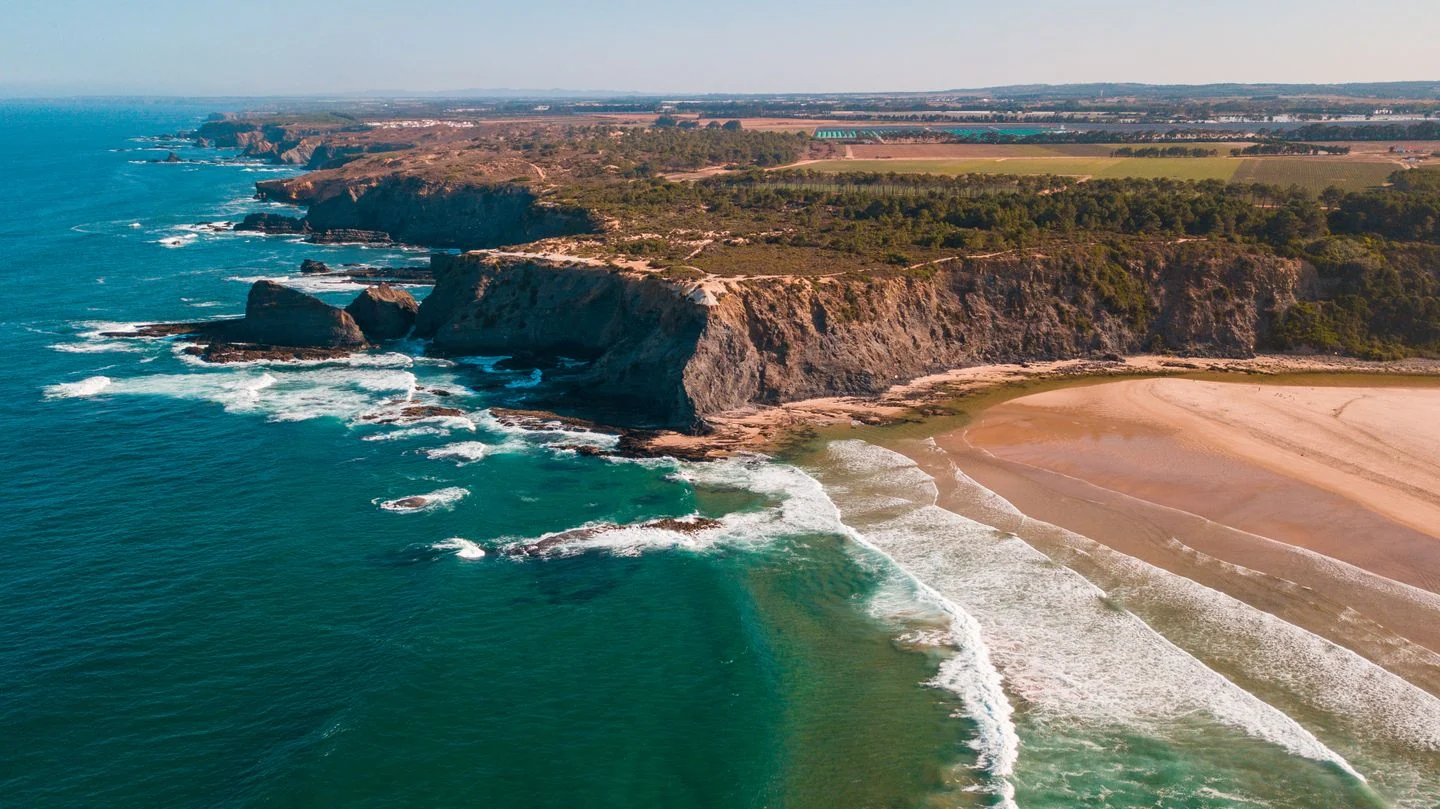
Test the feeling of a shot before production. Youmiro AI video maker turns a text-to-video scene description into a moving reference for framing, light, and atmosphere.

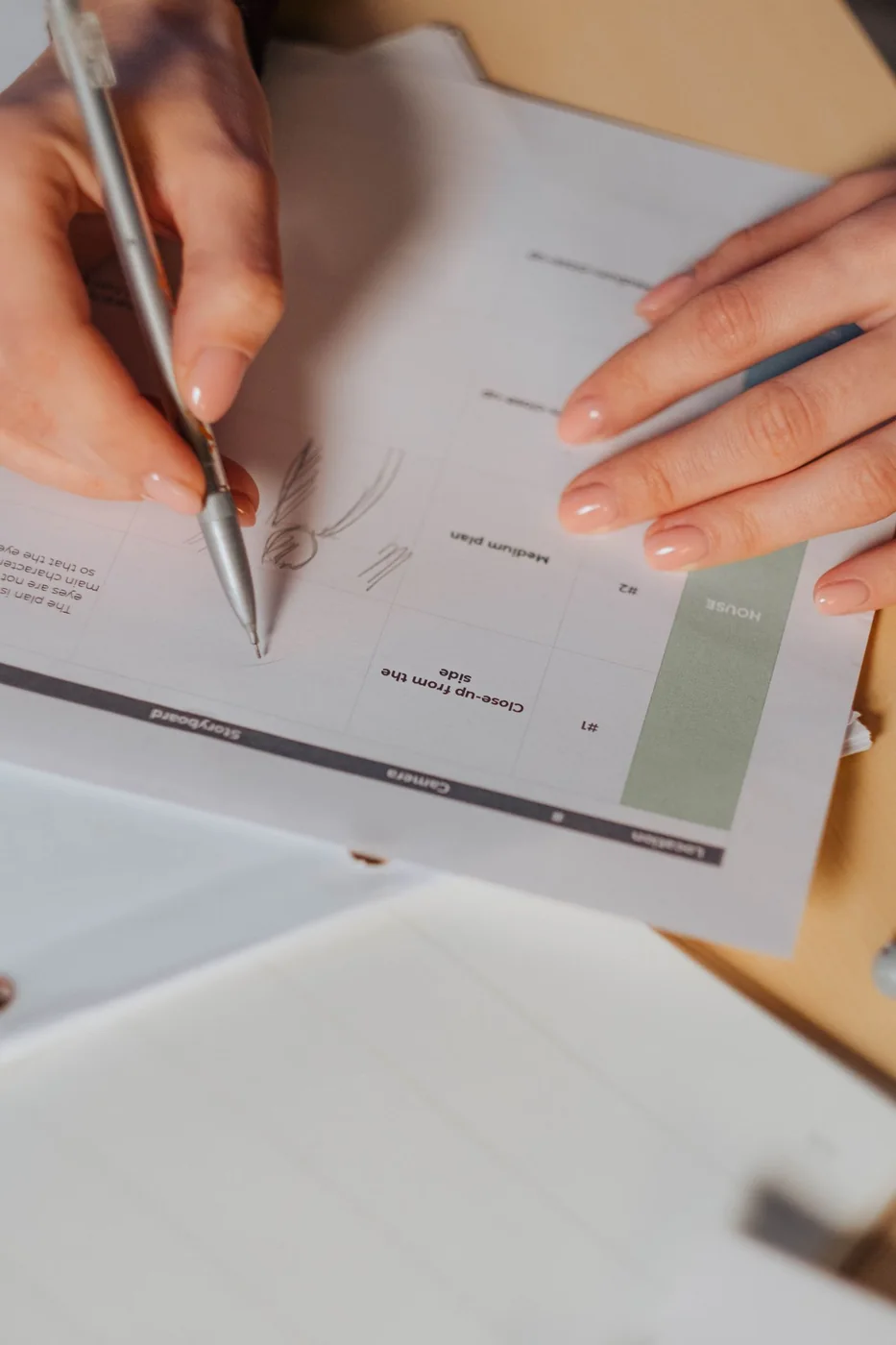
An illustrated storyboard can guide image-to-video motion. Use the AI video maker to explore a single narrative beat, then compare it with the intended pacing of the surrounding sequence.

Personal Creative Projects and Visual Experiments

Turn a personal idea into a short visual scene. Youmiro AI video maker accepts text-to-video descriptions of imagined places, memories, or abstract compositions without requiring a camera shoot.

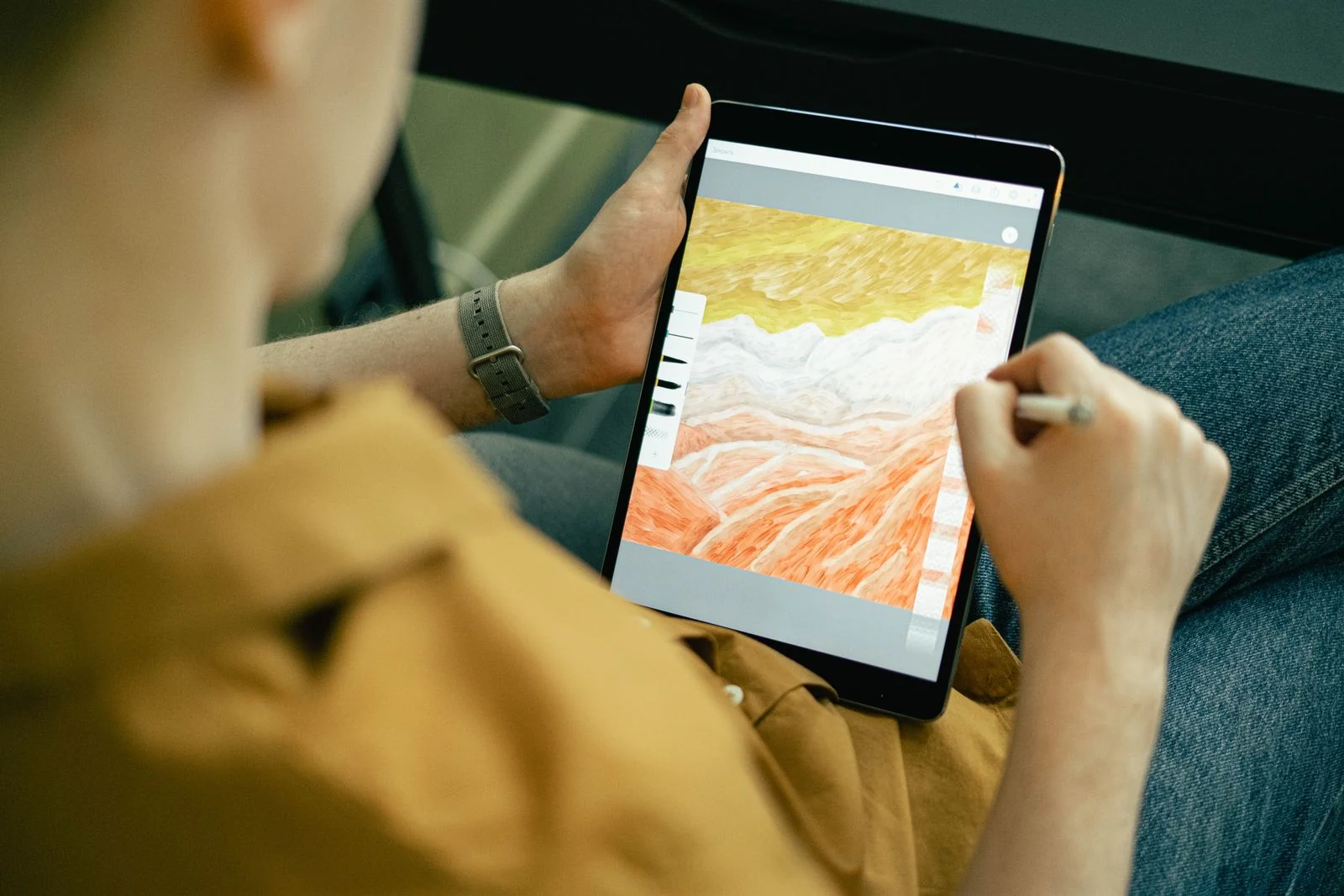
Use image-to-video to add movement to an illustration. The AI video maker gives you a way to explore how subtle motion changes the mood of a still image.

Creator Feedback on Youmiro AI Video Generator

Share your feedback

Frequently Asked Questions About Youmiro AI Video Maker

AI Video Maker Blog and Creative Guides

Explore guides to scene prompts, reference frames, and video settings. Build a clearer brief for your next clip, from choosing a starting image to describing subject and camera movement.

Visit Youmiro Guides

Framing a first shot

Choose what the viewer notices first, then set a frame that makes that detail clear.

Writing for movement

Write the subject’s action and the camera move separately so each has a clear direction.

Planning a product reveal

Decide when the material, label or silhouette should become visible in the shot.

Bring Your Ideas to Video with Youmiro AI Video Maker

Describe a scene for text-to-video, or upload a frame for image-to-video. Start with the free plan and generate a clip shaped for your next post, presentation, or story.