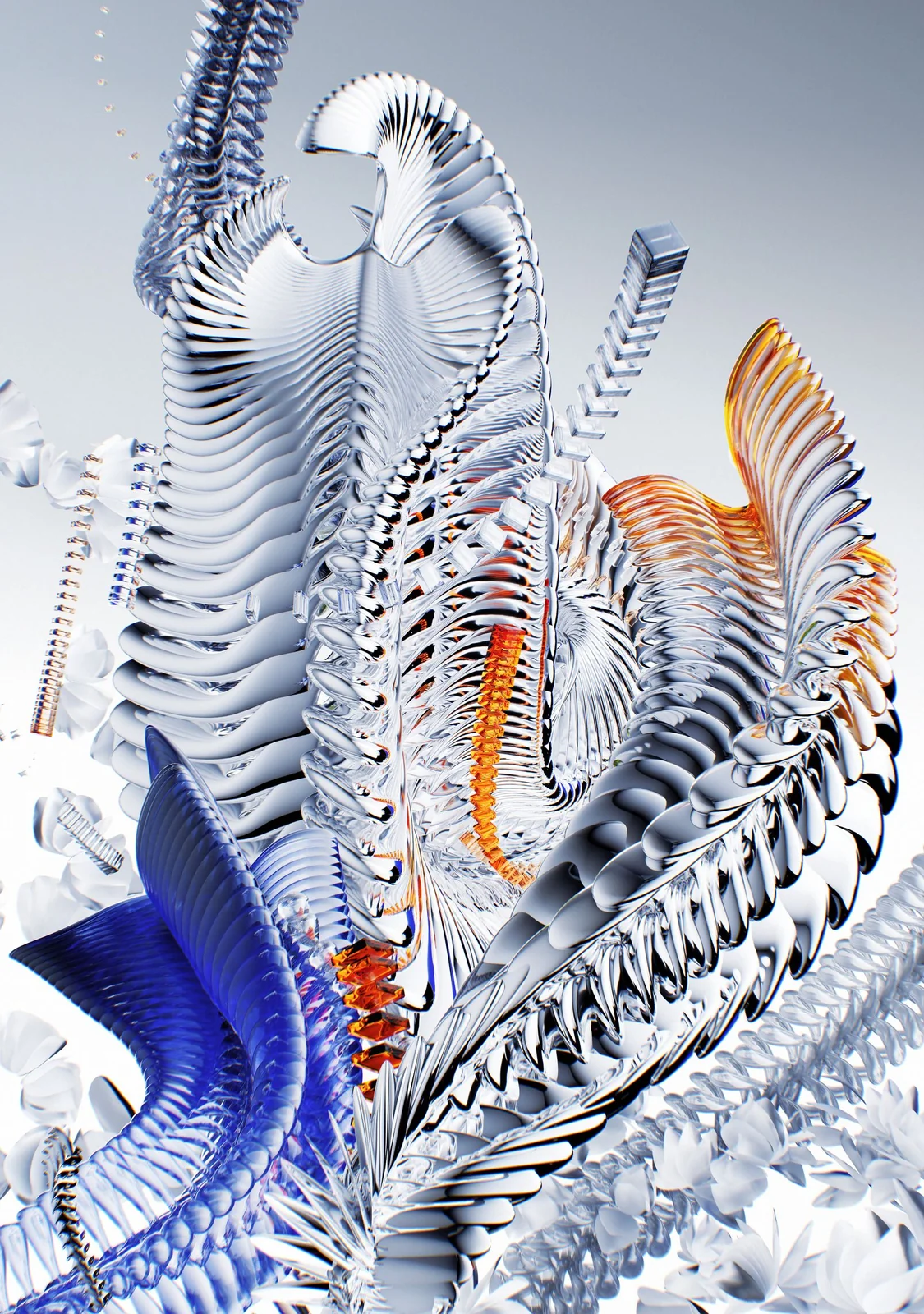

IMAGINATION, IN YOUR HANDS

Create something new.

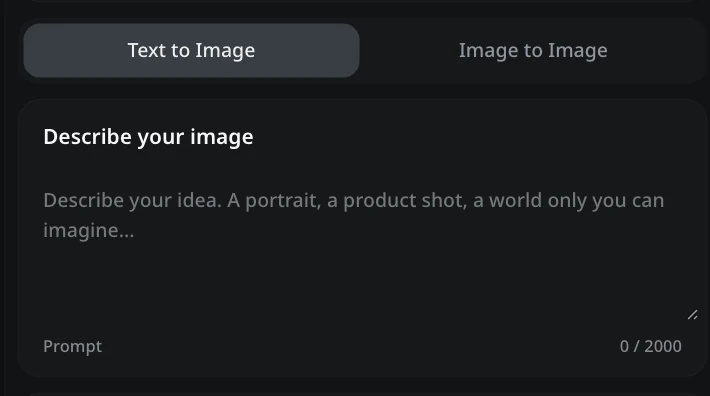
Describe your image

Prompt0 / 2000
Number of images
Checking generation availability. You can keep preparing your draft. Logging in preserves your draft.
Private by defaultPNG, JPG, WebP · 10 MiB each

My Images

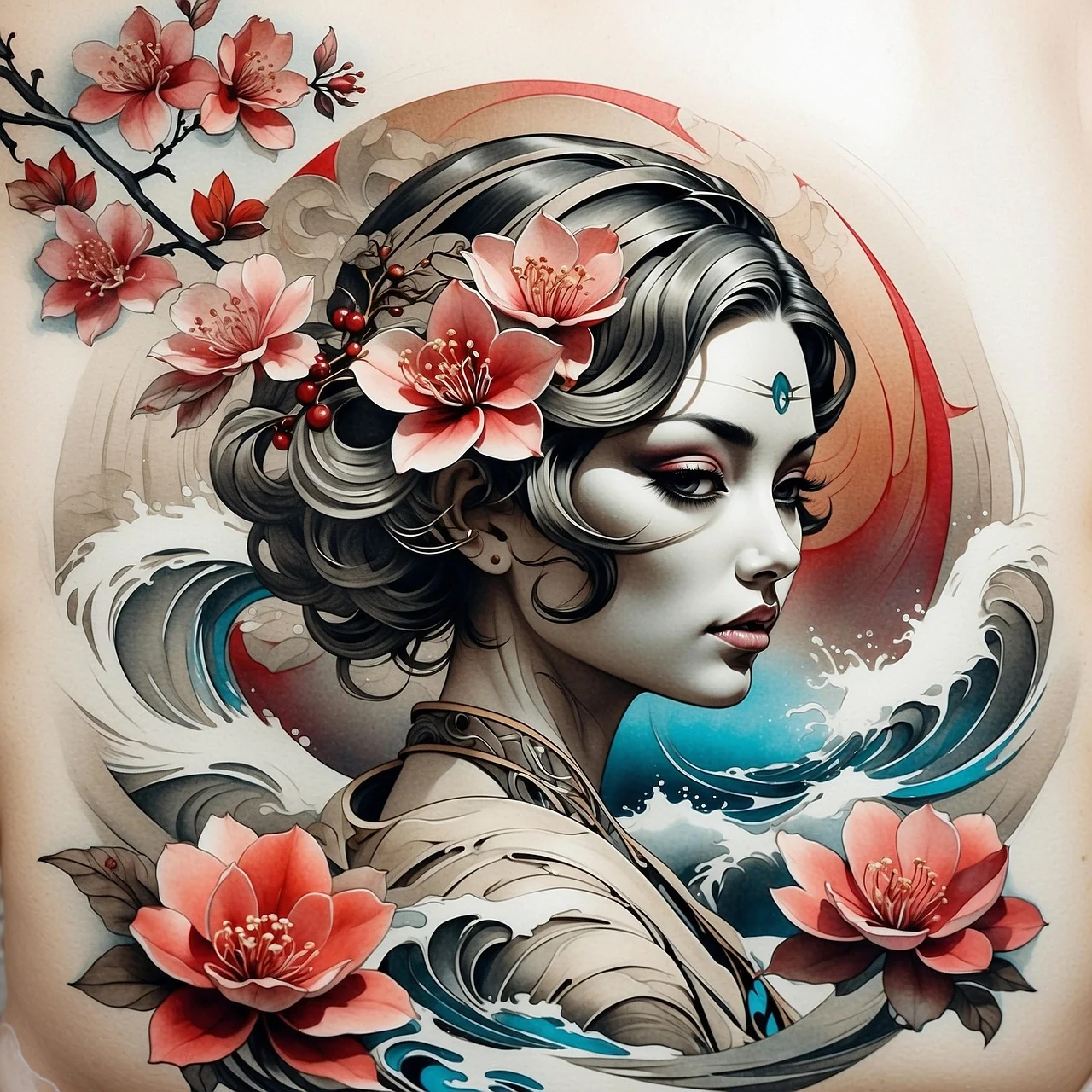
SampleSample illustration of a portrait surrounded by flowers

Featured AI Image Models

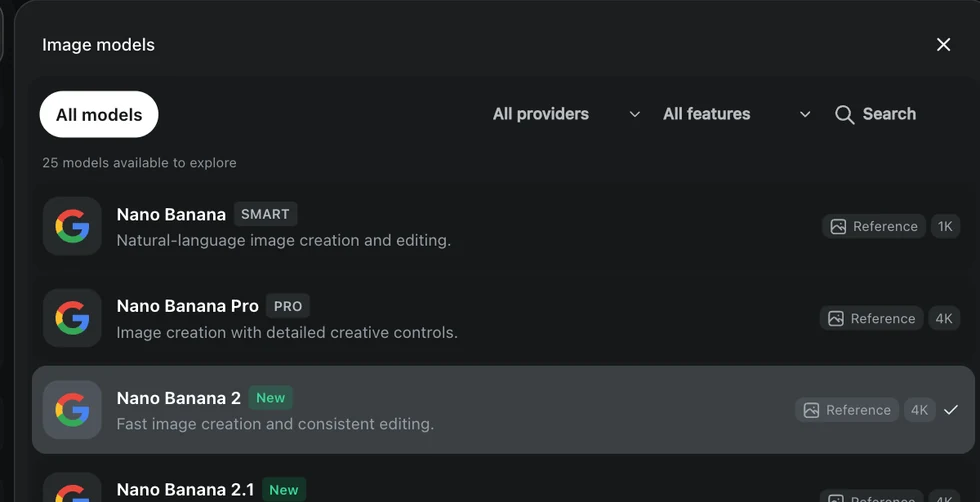
Choose from Nano Banana 2, Nano Banana Pro, and GPT Image 2. Compare the available input and output controls, then select a model for your image brief.

Nano Banana 2
GPT Image 2
Seedream 5.0 Pro
Qwen Image 2.1
FLUX 3 Klein
Nano Banana Pro
GPT Image 2.6 Sunburst
Midjourney

Explore AI Image Effects & Styles

Explore planned visual effects and one-click styles for portraits, product imagery, and illustrations. Planned features will let you apply a look to a frame, creating a foundation for your next concept.

AI Image Maker: Text to Image for Photos and Digital Art

Turn a written scene or a reference photo into a portrait, product visual, or illustration with Youmiro AI image maker. Start with the free plan, choose your output settings, and let the AI image generator bring your text-to-image brief into view.

A few precise details make text-to-image direction easier: name the subject, describe the light, and explain the composition. Choose an AI image generator model for your project, then compare the result with the idea you had in mind.

  • Text to Image
  • Free Plan
  • Reference Images
  • No Download

Explore the Creative Tools in Youmiro AI Image Maker

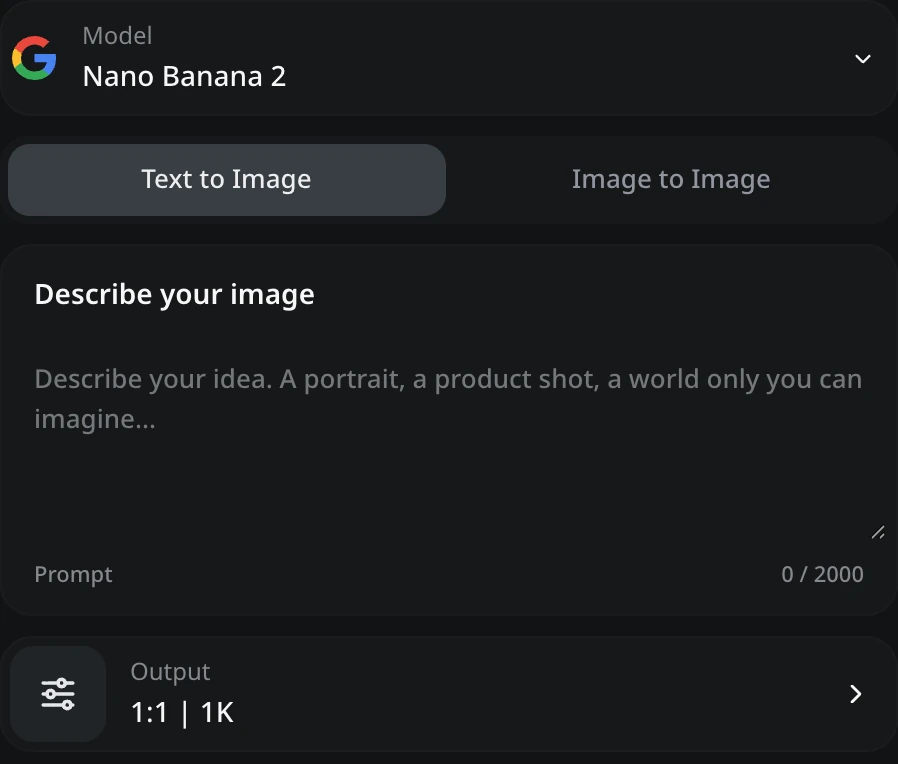
Youmiro image creator with model, prompt and output controls

AI Image Generation and Creative Customization

Build an image around the subject that matters. Youmiro AI image maker accepts a written brief and reference photos; the AI image generator uses those inputs to guide text-to-image composition, lighting, and visual detail.

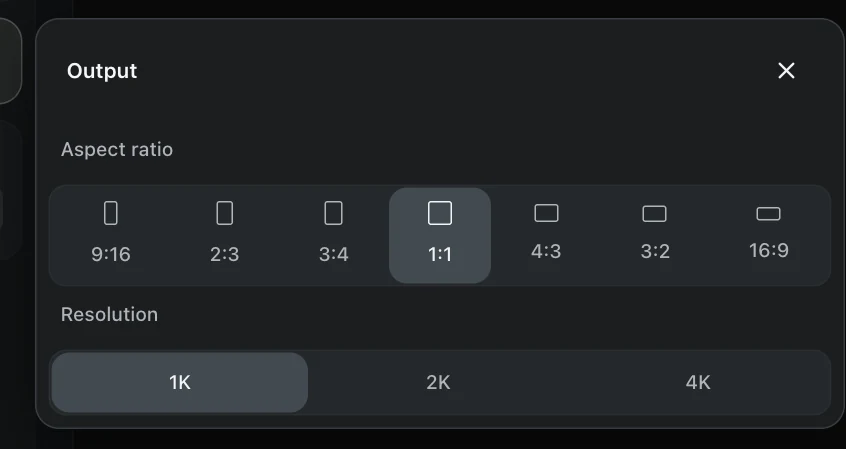
Choose the frame before you generate. The AI image maker offers seven ratios, while the AI image generator takes your selected 1K, 2K, or 4K tier into the text-to-image request. A square product tile and a portrait cover need different framing. Choose one to four images when you need alternatives to compare.
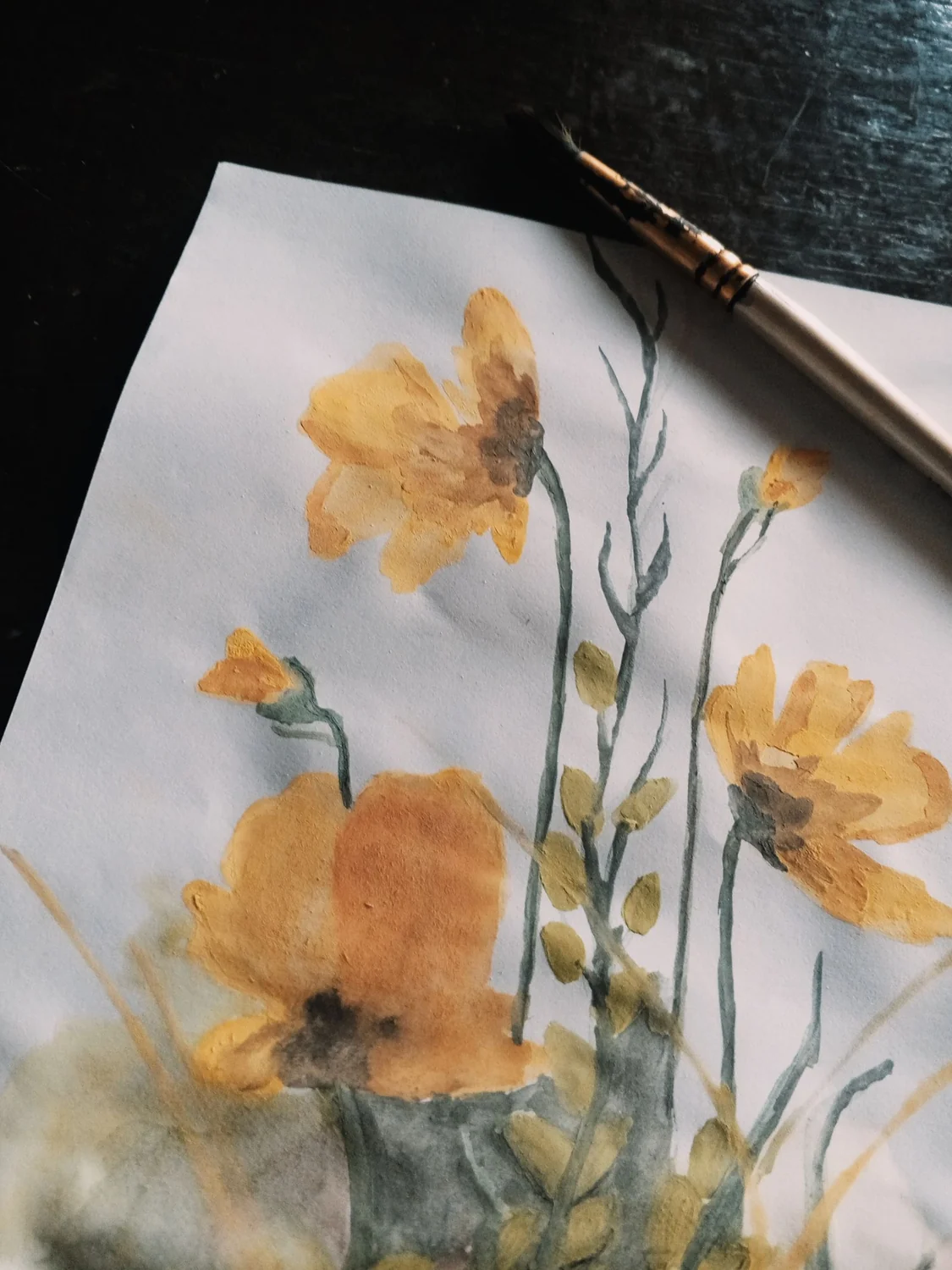
Watercolor flowers and a paintbrush

Visual Styles and Artistic Effects

Find a visual language that fits your story. In Youmiro AI image maker, one-click styles will let you apply photographic, illustrated, or painterly looks to a text-to-image concept. The AI image generator helps carry that direction through the scene.

Keep the scene, change the treatment. Planned one-click styles in the AI image maker will adjust palette or graphic finish, while the AI image generator follows your text-to-image prompt details such as watercolor texture, muted greens, and afternoon light.

Image Editing: Object Removal and Canvas Expansion

Planned object removal in the AI image maker will let you select a distracting area. The AI image generator will fill the space with surrounding detail, returning attention to your subject.

Extend a portrait into a wider layout with the AI image maker. Planned uncrop tools will expand canvas borders with text-to-image direction, and the AI image generator will widen the background around your original scene, leaving space for headlines.

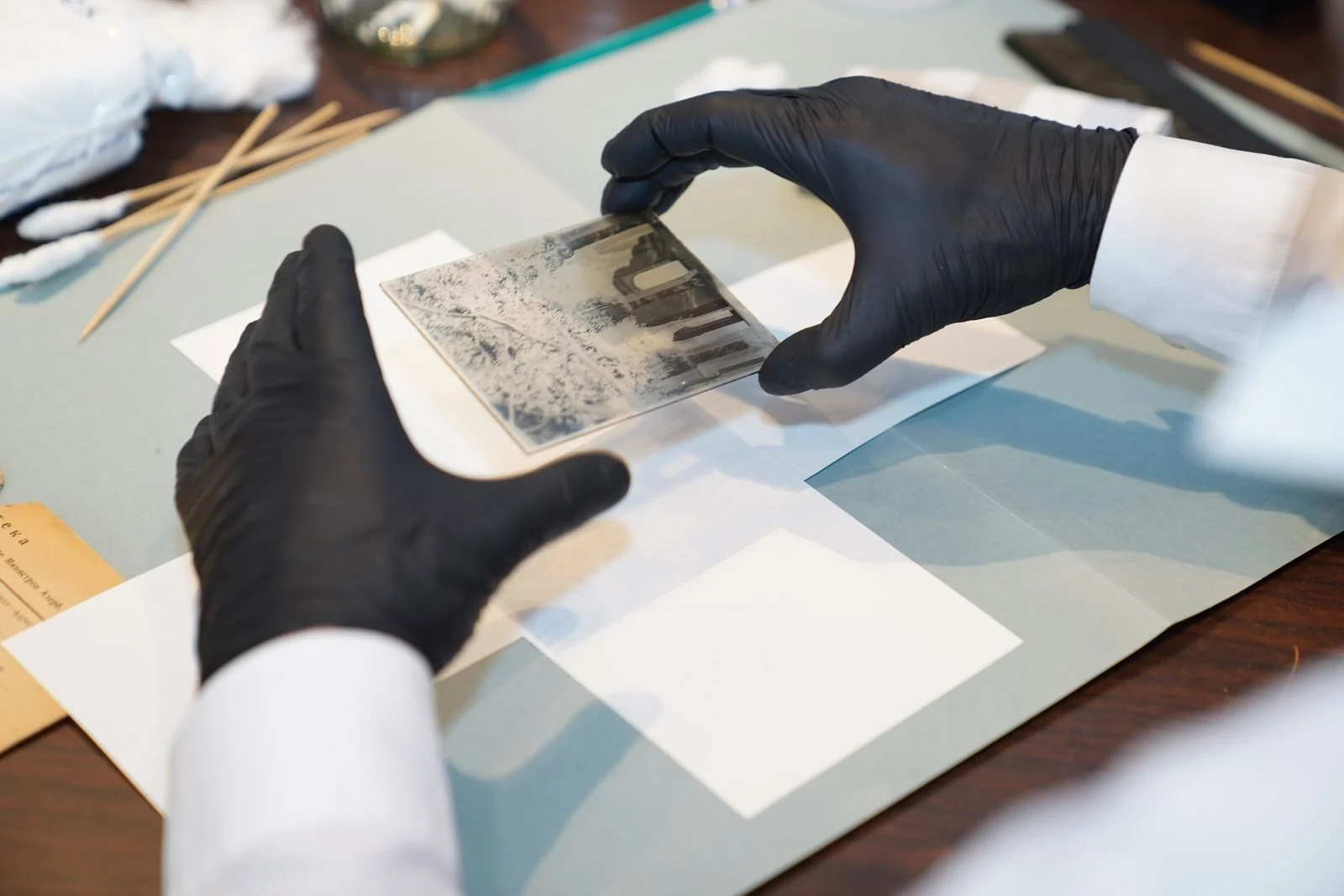
A specialist restoring an old photograph

Photo Restoration and Image-to-Video Creation

Bring faded photographs back into a usable visual story. Planned restoration tools in Youmiro AI image maker will repair contrast and scratches, while the AI image generator handles text-to-image additions separately alongside cleaned originals.

Take a chosen still into motion. Start with a frame from the AI image maker, then add movement through the video workflow. An AI image generator establishes the composition; animation gives that image another role in your project.

A person signing an agreement

Image Usage Rights for Creative Projects

Commercial projects need clear usage terms. An AI image maker does not remove obligations attached to reference material. Before publishing text-to-image output, confirm the applicable service and model terms and permission to use any recognizable people, logos, or supplied artwork.

Aspect ratio and resolution settings in the image creator

Simple Controls for Image Creation

Keep the important decisions together. Youmiro AI image maker puts model, prompt, ratio, and resolution in one panel. Start with the free plan to explore text-to-image creation, then adjust the AI image generator settings as your idea develops.

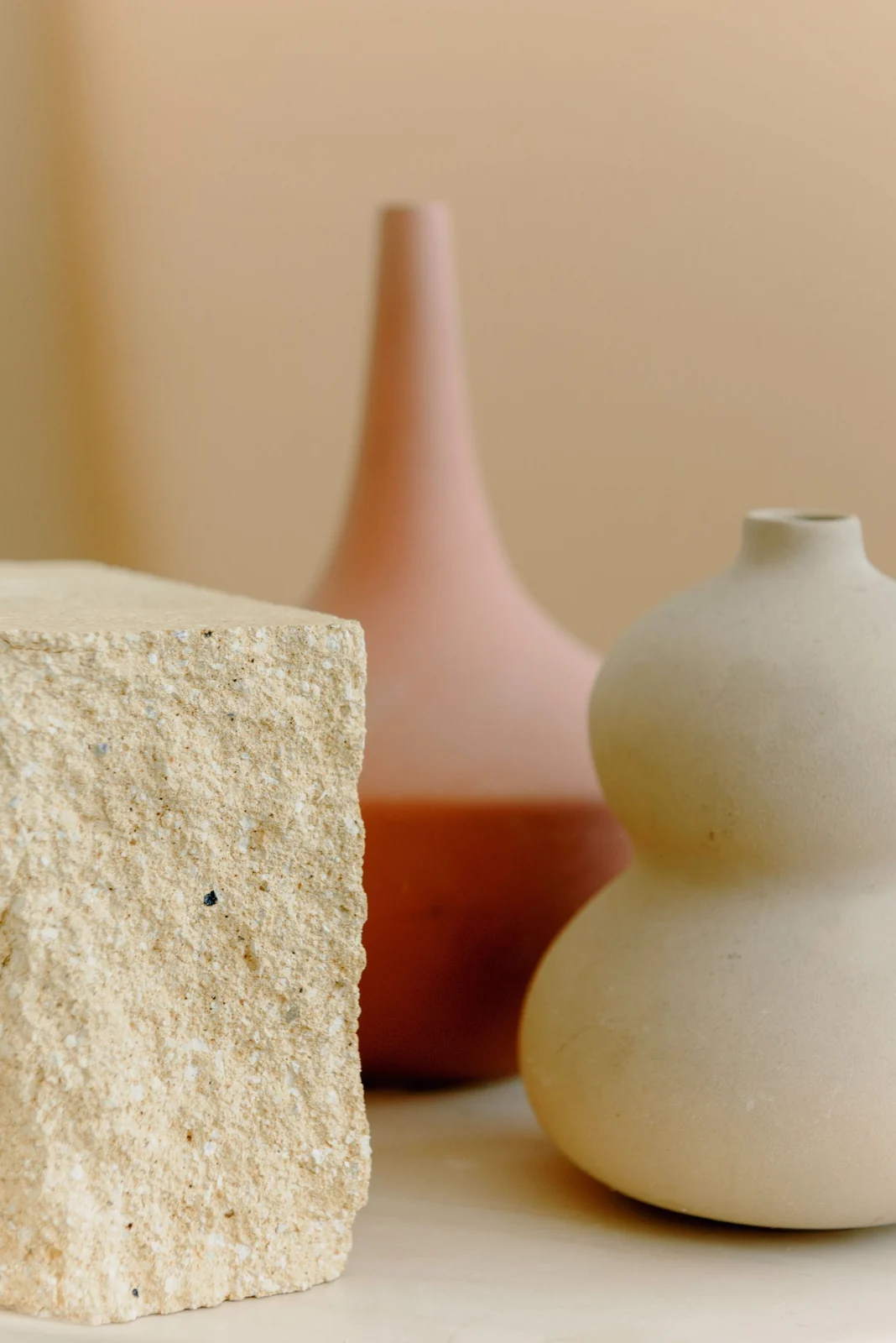
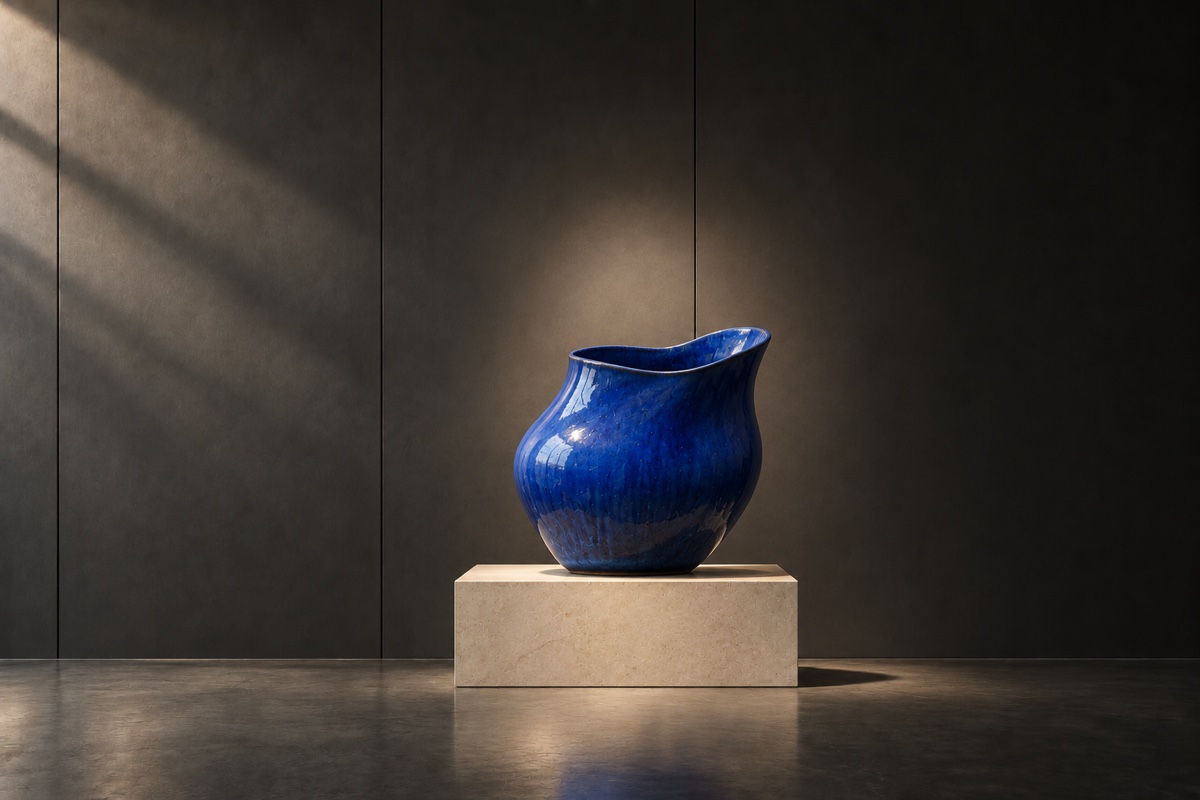
Product key visual with sculptural ceramic
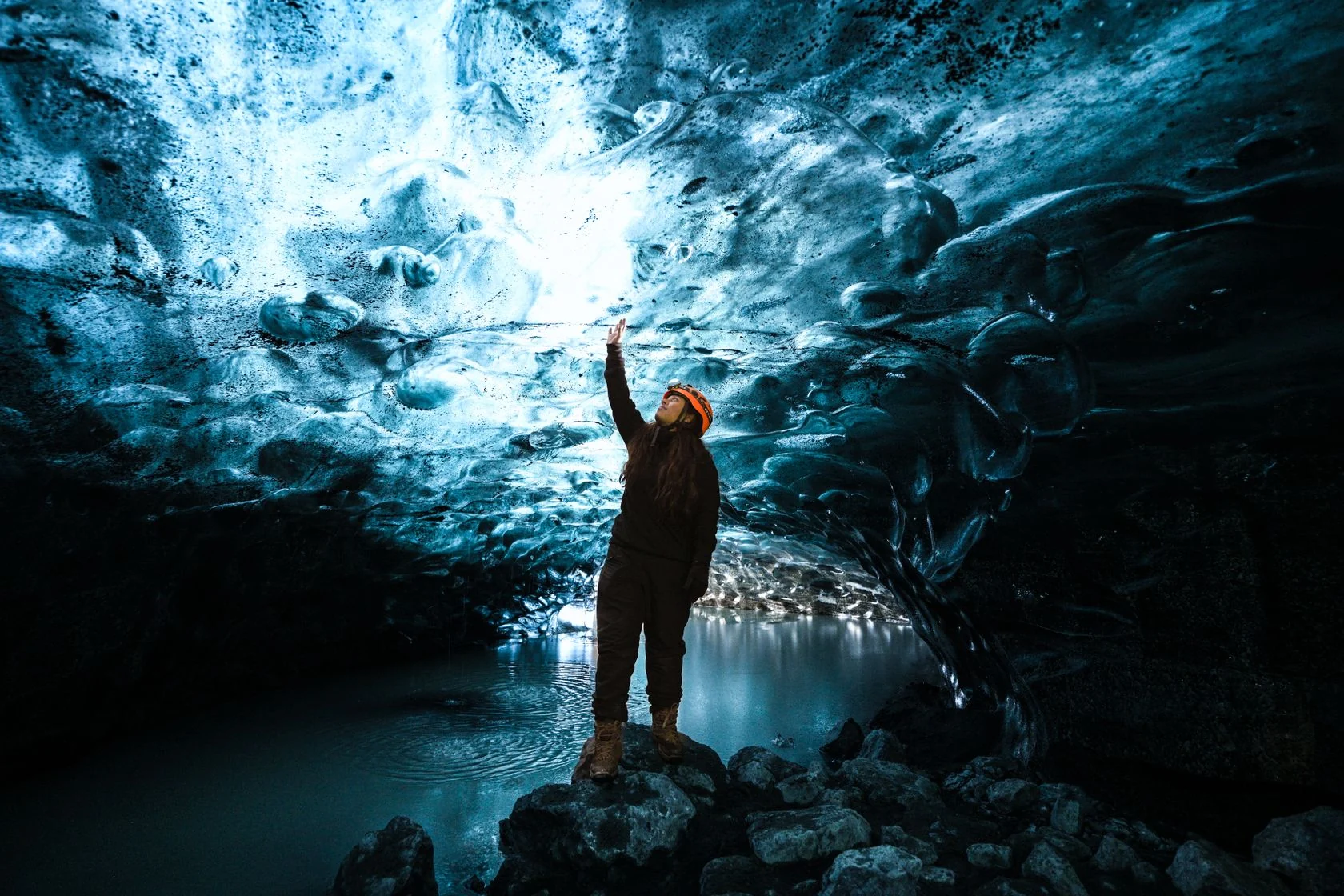
Campaign scene inside a blue ice cave
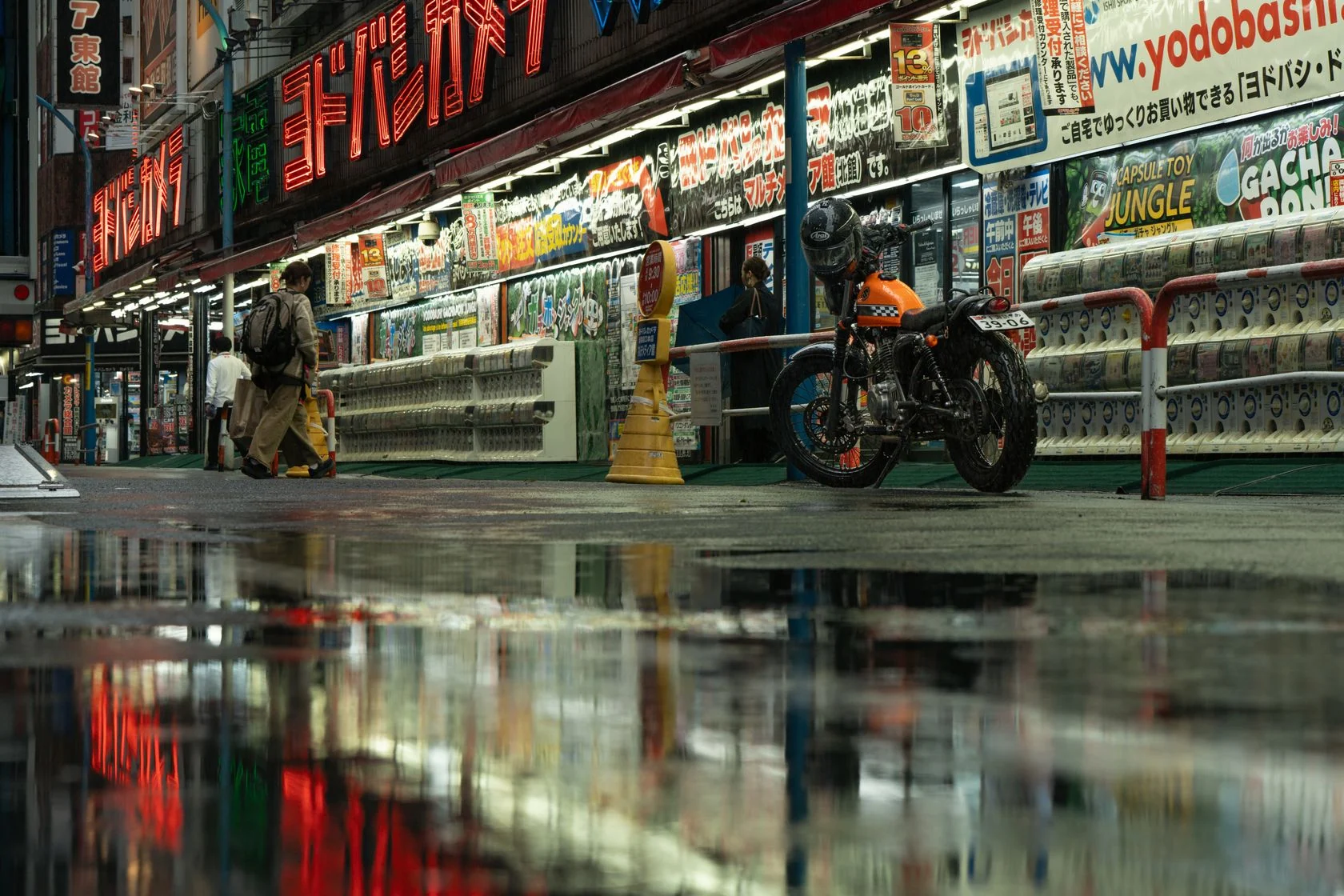
Storyboard frame of a night street
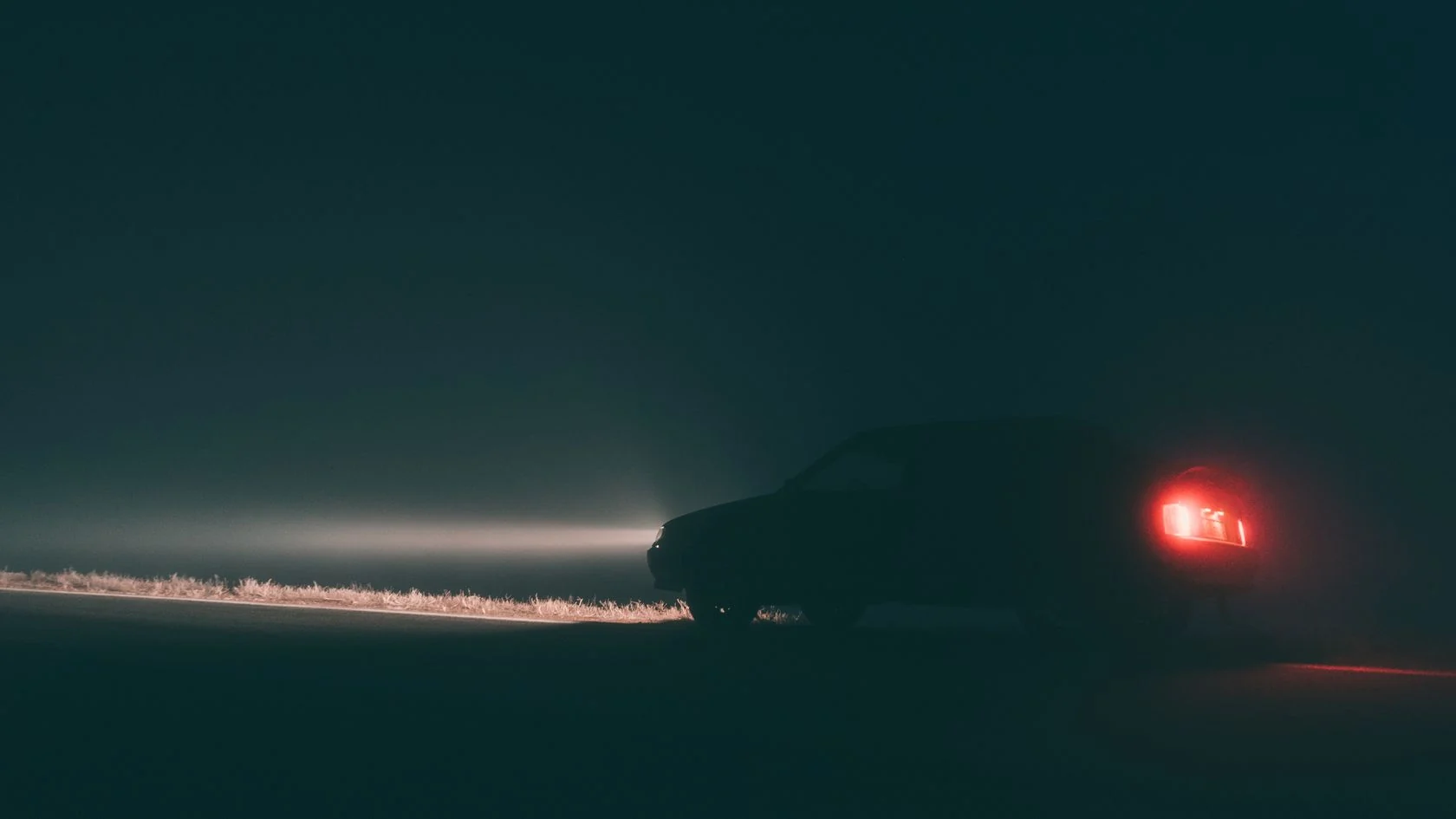
Cinematic key art of a car at night
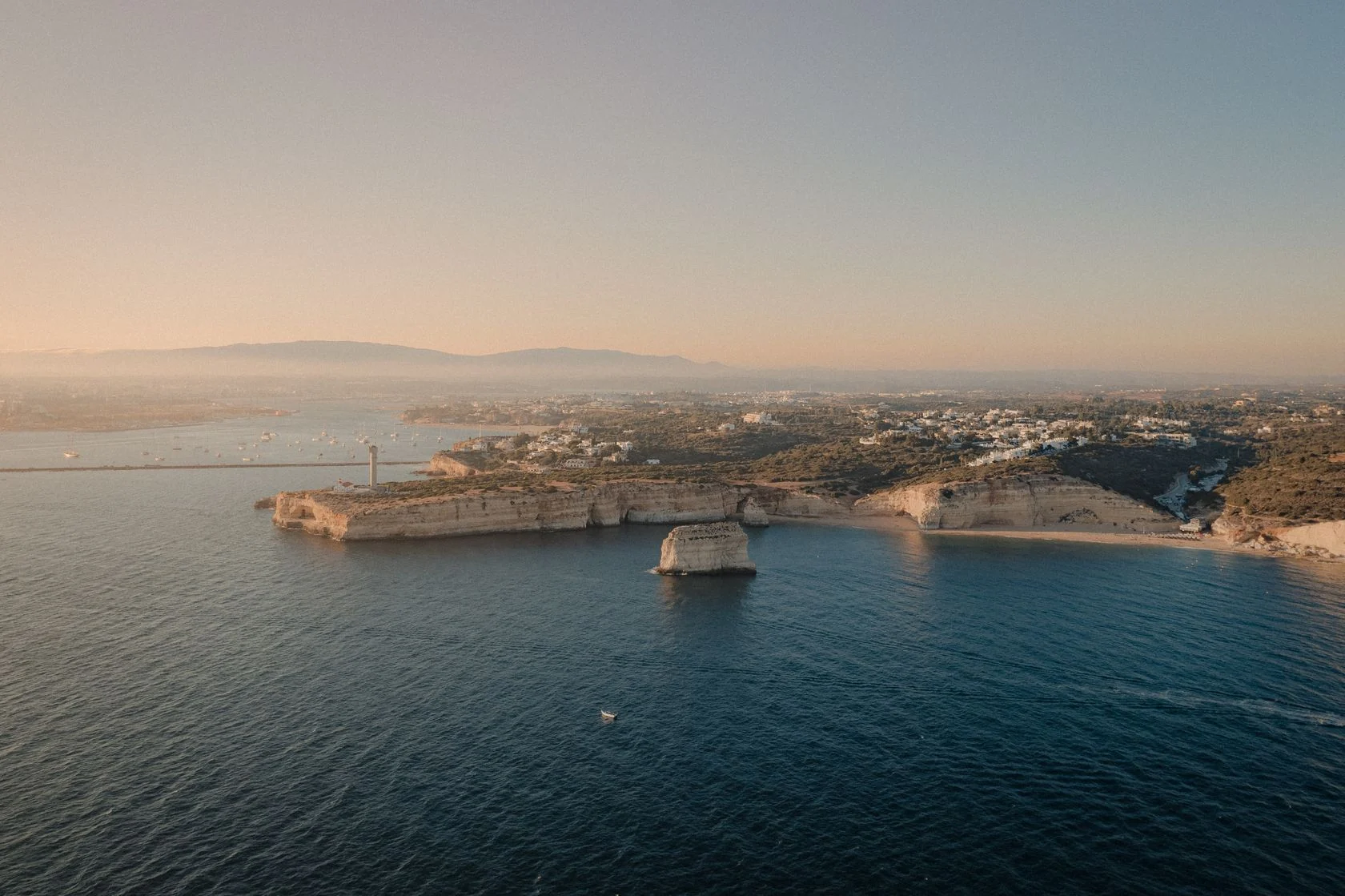
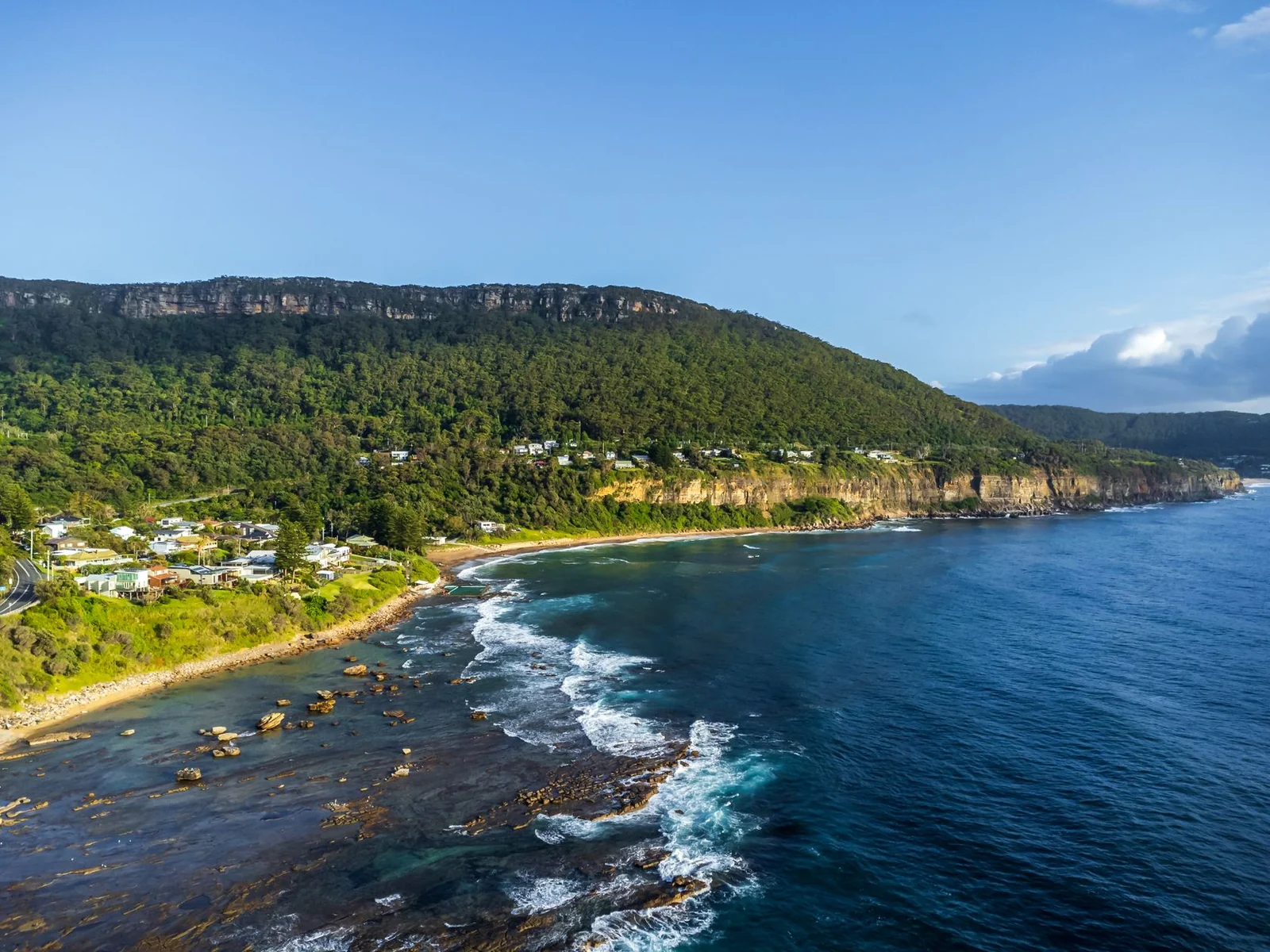
Aerial coastline as a publication cover
Daylight fashion lookbook portrait
Gallery concept with window light
Example prompts
  • An urban terrace in warm afternoon light, trailing vines above textured concrete and pale linen seating. Leave open space beside the furniture for a campaign headline.

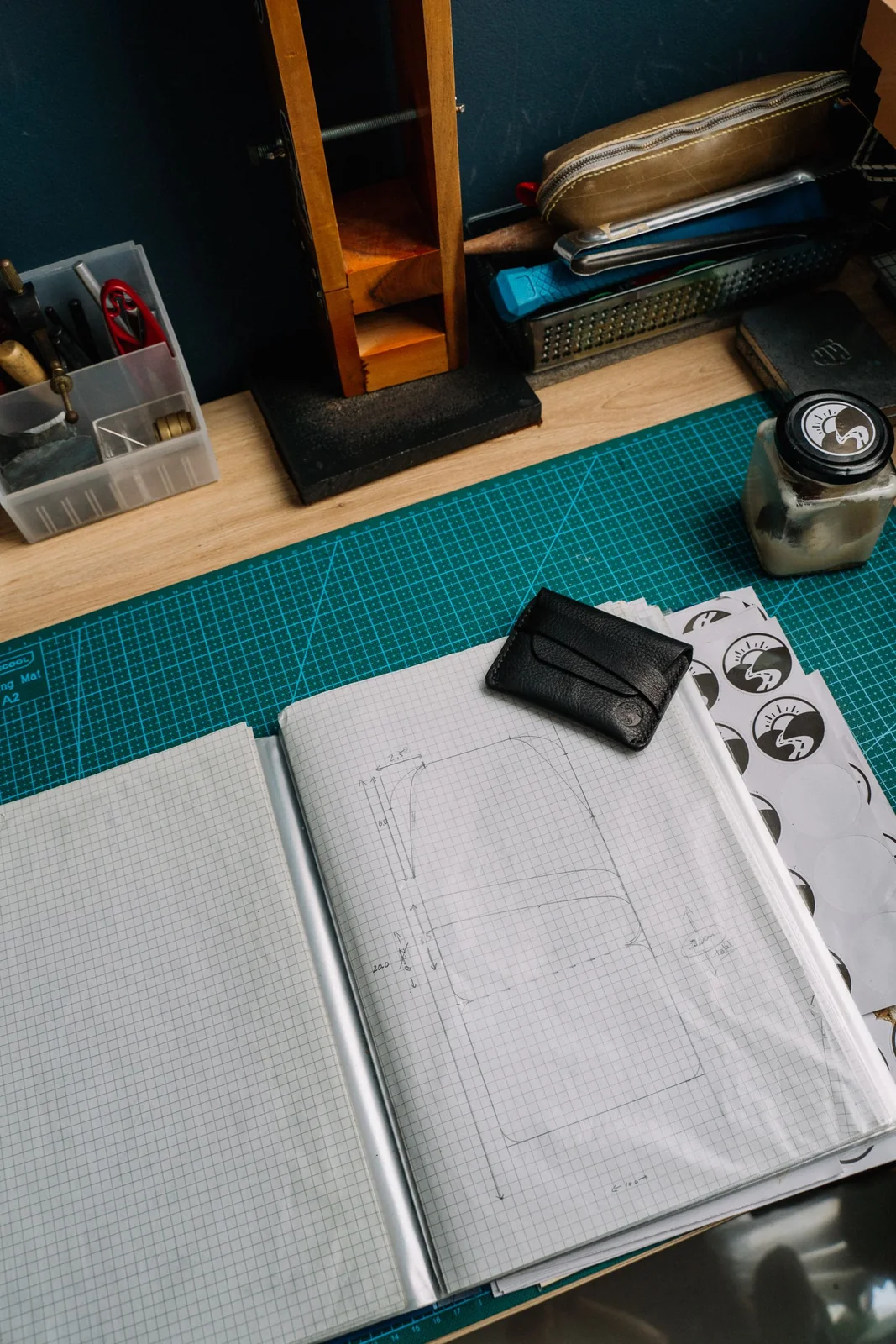
  • A ceramic sculptor at a workshop bench, clay dust on an apron and a half-finished vessel beside the hands. Frame the tools closely to emphasize the craft.

  • A geometric poster in red, cream, and deep blue, with a single strong silhouette and generous margins. Keep the central form readable at thumbnail size.

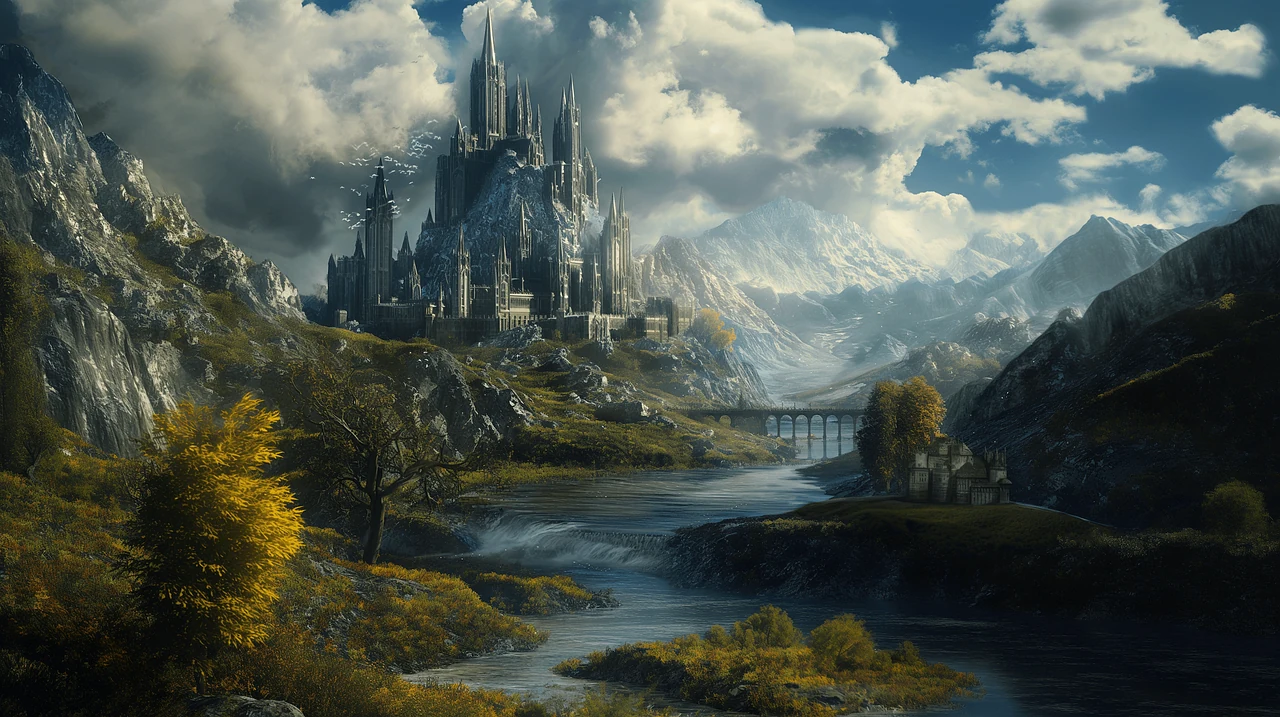
  • A fantasy valley with layered mist, distant peaks, and a small stone bridge. Place a traveler near the foreground to establish scale.

Why Choose Youmiro AI Image Maker?

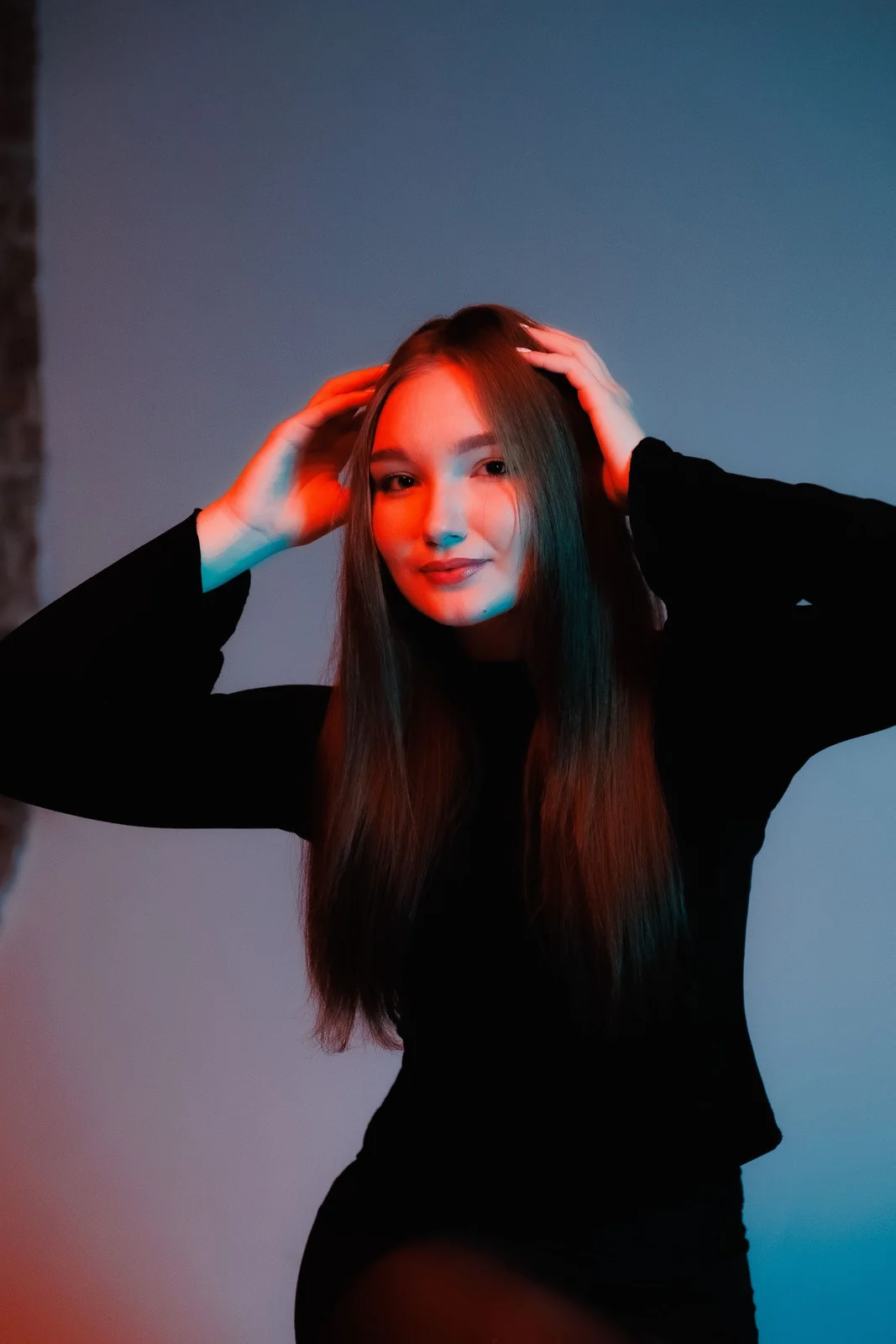
A portrait under red and blue light
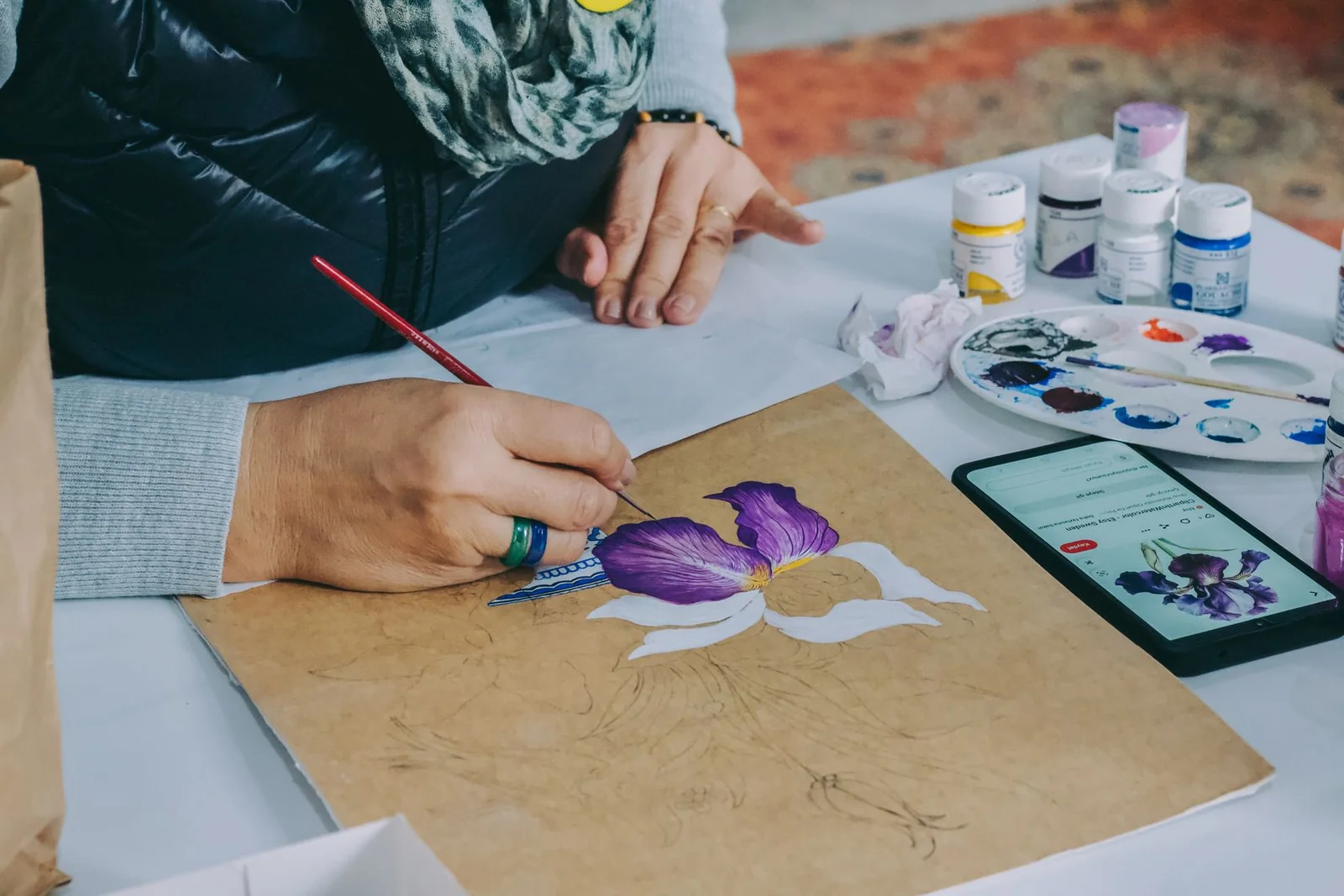
An artist painting a flower
Abstract geometric art
A geometric digital landscape

Creative Styles for Different Visual Ideas

Explore photographic, painterly, and graphic directions in Youmiro AI image maker. Give the AI image generator a clear text-to-image description of the medium, color palette, and lighting.

Keep the composition recognizable while changing its mood. The AI image maker makes text-to-image variations useful for choosing a campaign look before producing the remaining assets.

Versatile AI Image Maker for Every Creator

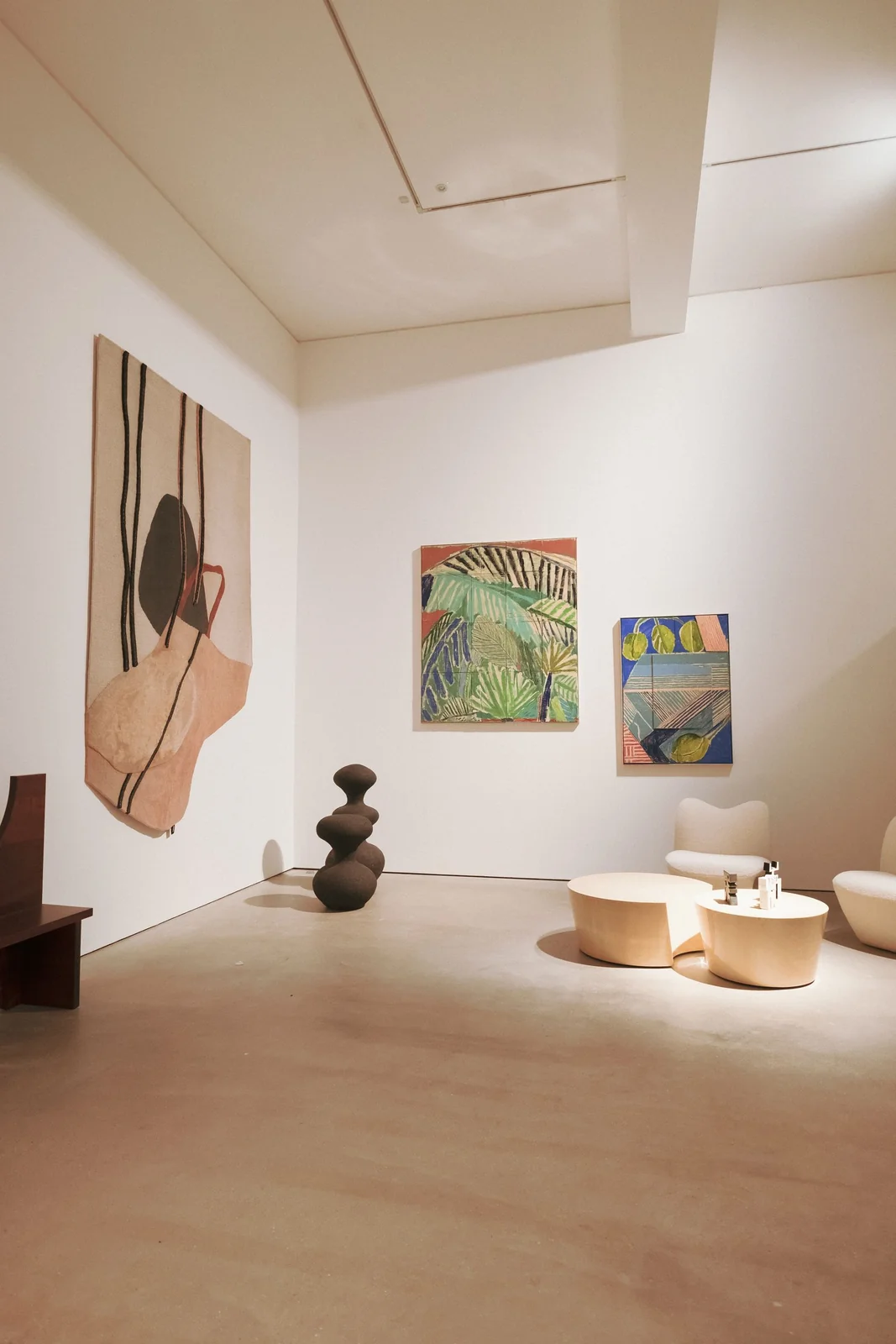
A minimalist interior with artwork and furniture

For Architects and Spatial Designers

Show clients a spatial idea before technical documentation begins. Youmiro AI image maker turns a room description into a text-to-image concept; the AI image generator can use a mood reference to guide materials and atmosphere.
Use the AI image maker to compare visual directions, keeping concept imagery separate from measured plans and construction specifications. Keep the viewpoint consistent when comparing material palettes so clients can see which change affects the room.

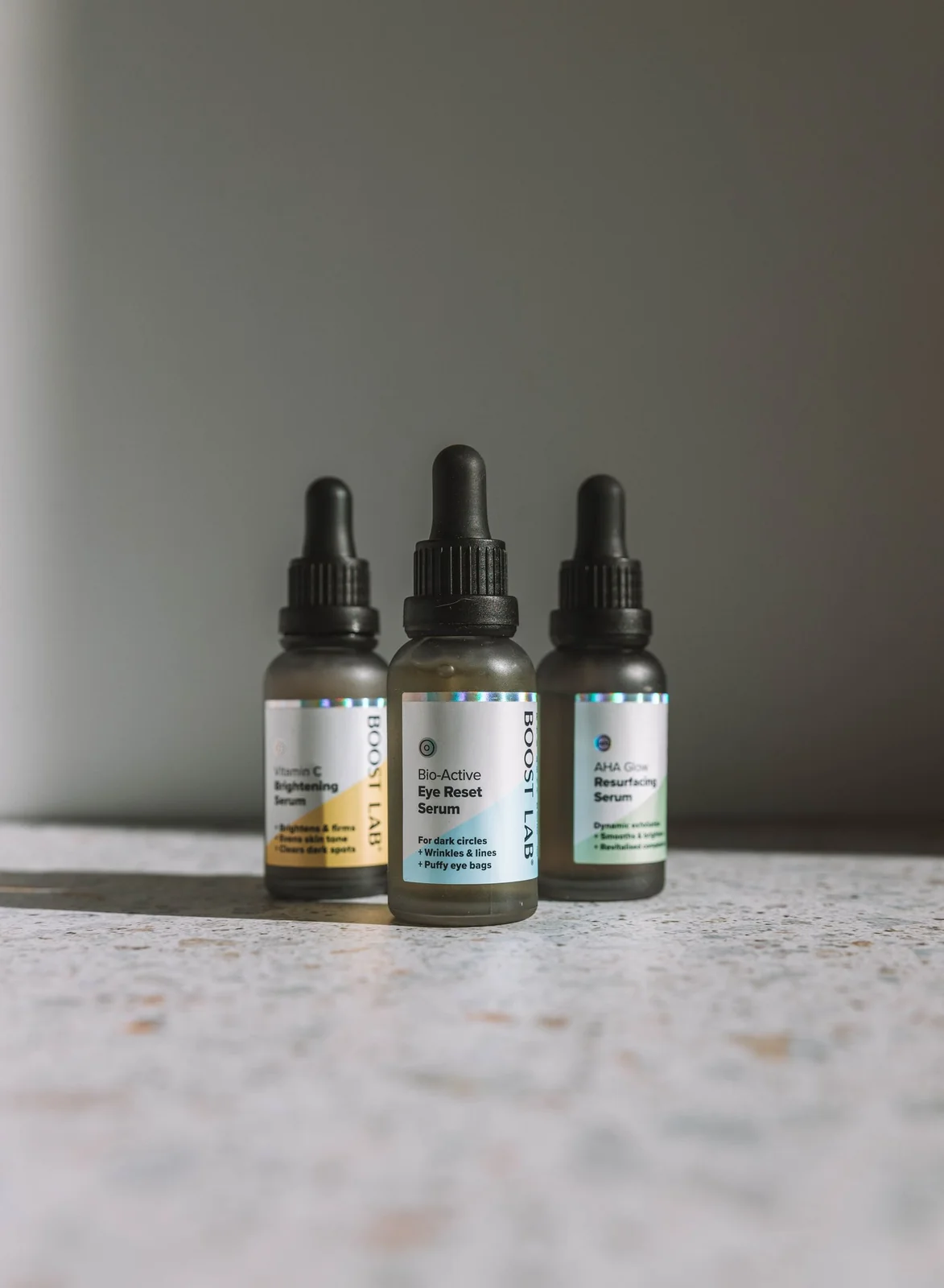
Skincare bottles arranged for a product image

For E-Commerce & Brand Marketers

Give a product a setting that matches the campaign. Upload a reference to Youmiro AI image maker and describe the surface, background, and lighting. Use free basic tools to explore text-to-image compositions with the AI image generator before selecting a direction.

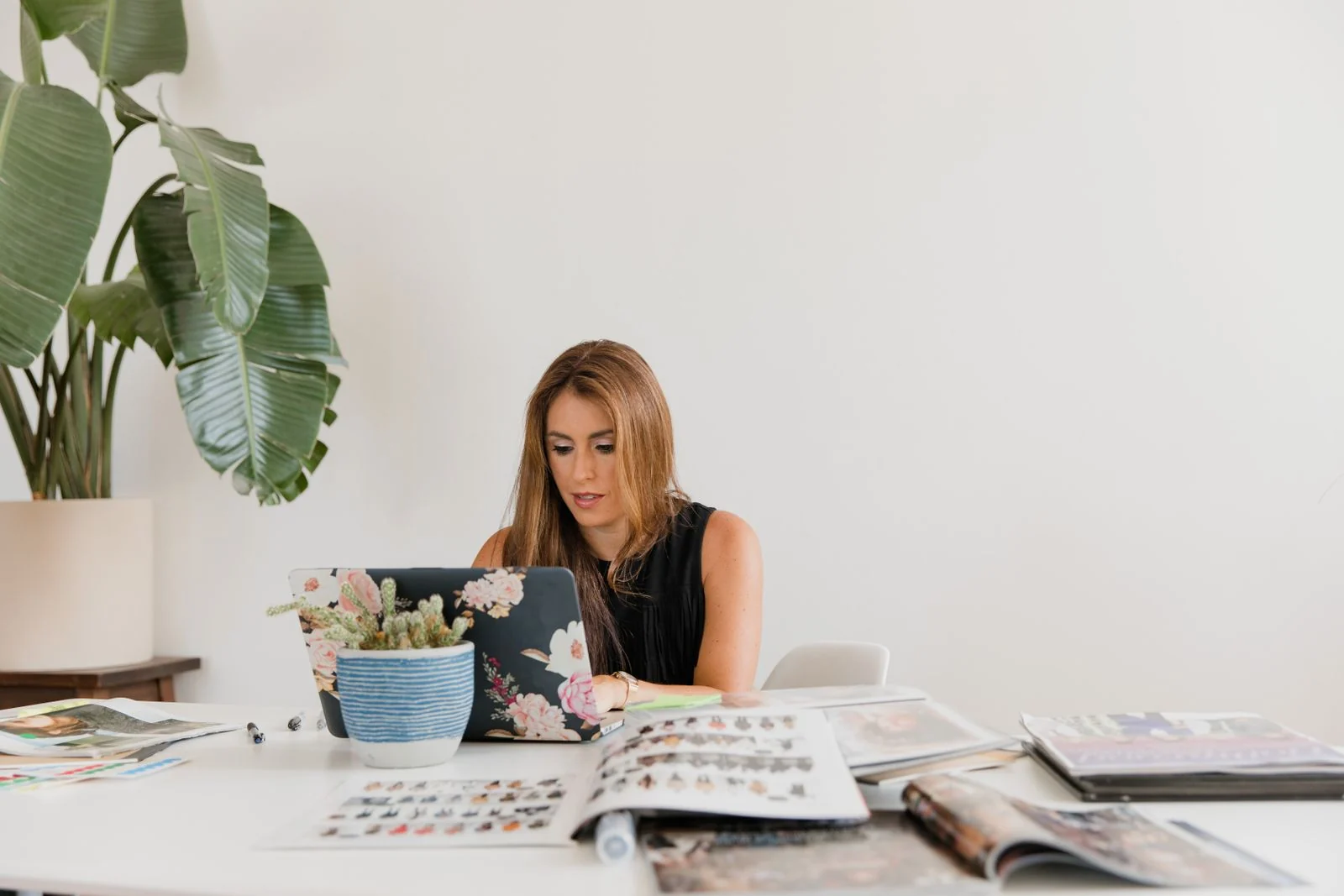
A creator working with a laptop and editorial layouts

For Digital Publishers and Content Creators

Build an article visual around the actual story. Youmiro AI image maker accepts a text-to-image brief for an editorial scene, while the AI image generator creates a composition shaped for a wide article header or square social tile.
An event venue with arranged tables and lighting
Event Concept

For Event Planners and Creative Producers

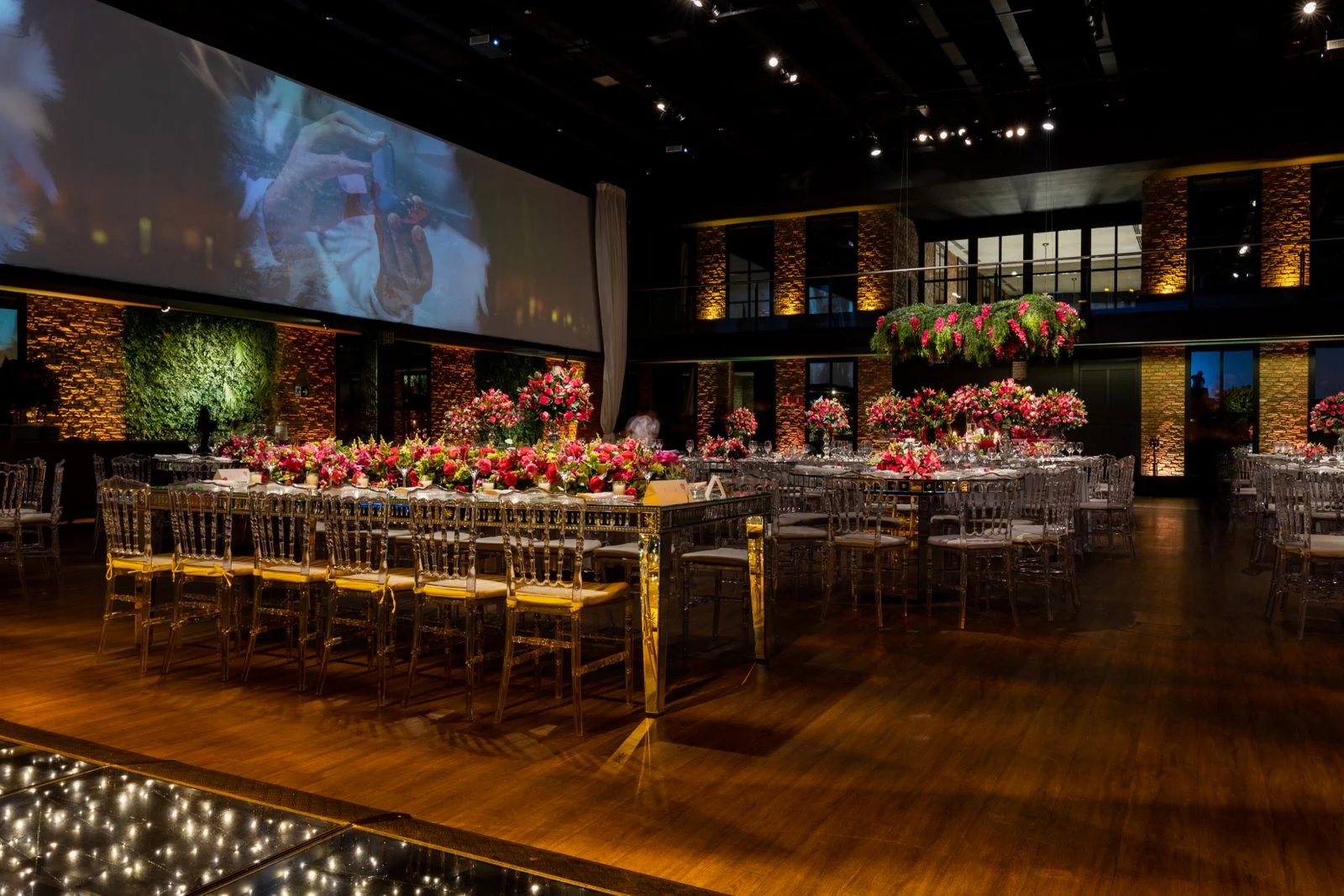
Make a proposed event theme easier to picture. Use Youmiro AI image maker for text-to-image concepts of tables, decor, and lighting; the AI image generator turns those details into a visual brief for vendors.
Present alternatives from the AI image maker side by side so clients can discuss specific colors, materials, and arrangements. Specify whether the event proposal should emphasize stage lighting, table settings, or an entrance installation, then generate that scene separately.

Create Images in 4 Steps with Youmiro AI Image Maker

  1. Describe Your Image or Add a Reference

    Open Youmiro AI image maker and describe the subject, lighting, style, and composition. For text-to-image creation, a focused scene gives the AI image generator clearer direction. Add PNG, JPEG, or WebP references when useful, up to five files at 10 MiB each. The free basic tier covers initial generation.

  2. Choose Your Model and Output Settings

    Choose an AI image generator model, then set the ratio and resolution in the AI image maker. The text-to-image controls include seven ratios and 1K, 2K, or 4K tiers. Select the shape that suits the placement.

  3. Generate and Refine Your Image

    Submit your text-to-image brief through the AI image maker. Review the composition, then change the detail that needs attention before asking the AI image generator for another result.

  4. Download Your Image and Put It to Use

    Select the result that fits your project in the AI image maker. Download the image and place it in your presentation, design, or content layout.

AI Image Maker for Creative Work Across Industries

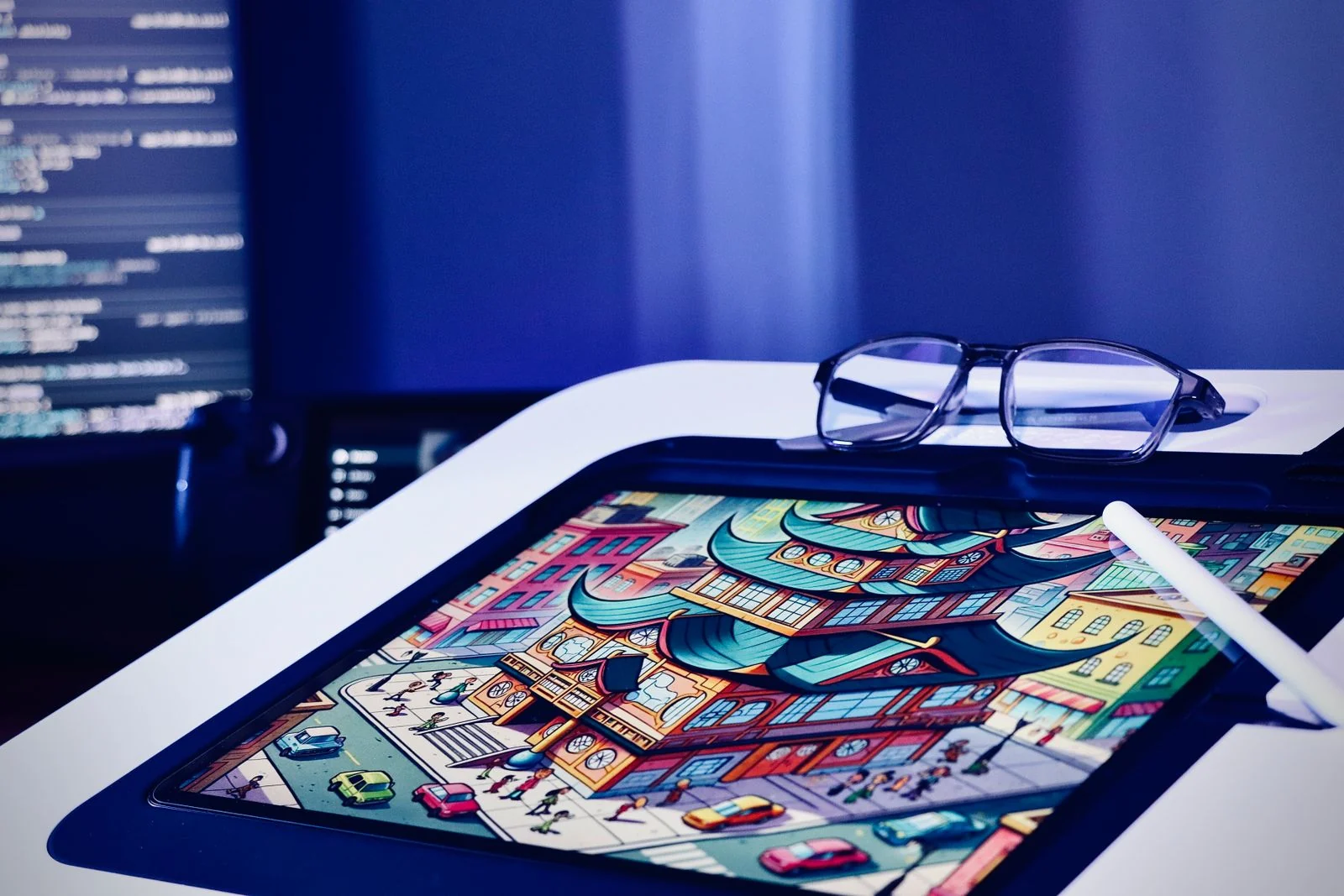
A colorful digital illustration on a drawing tablet

Digital Art and Illustration

Develop characters, environments, and visual motifs with Youmiro AI image maker. Use free basic features for early text-to-image concepts, then compare how the AI image generator interprets a costume, material, or palette.

The AI image maker also helps illustrators explore text-to-image backgrounds before committing to a finished composition.

A skincare product photographed on a white background

Marketing and E-Commerce Visuals

Turn a campaign brief into a visual direction with Youmiro AI image maker. A text-to-image scene can show the intended mood, while a product reference gives the AI image generator a starting point for the subject.

Use the AI image maker to discuss alternatives before selecting campaign assets.

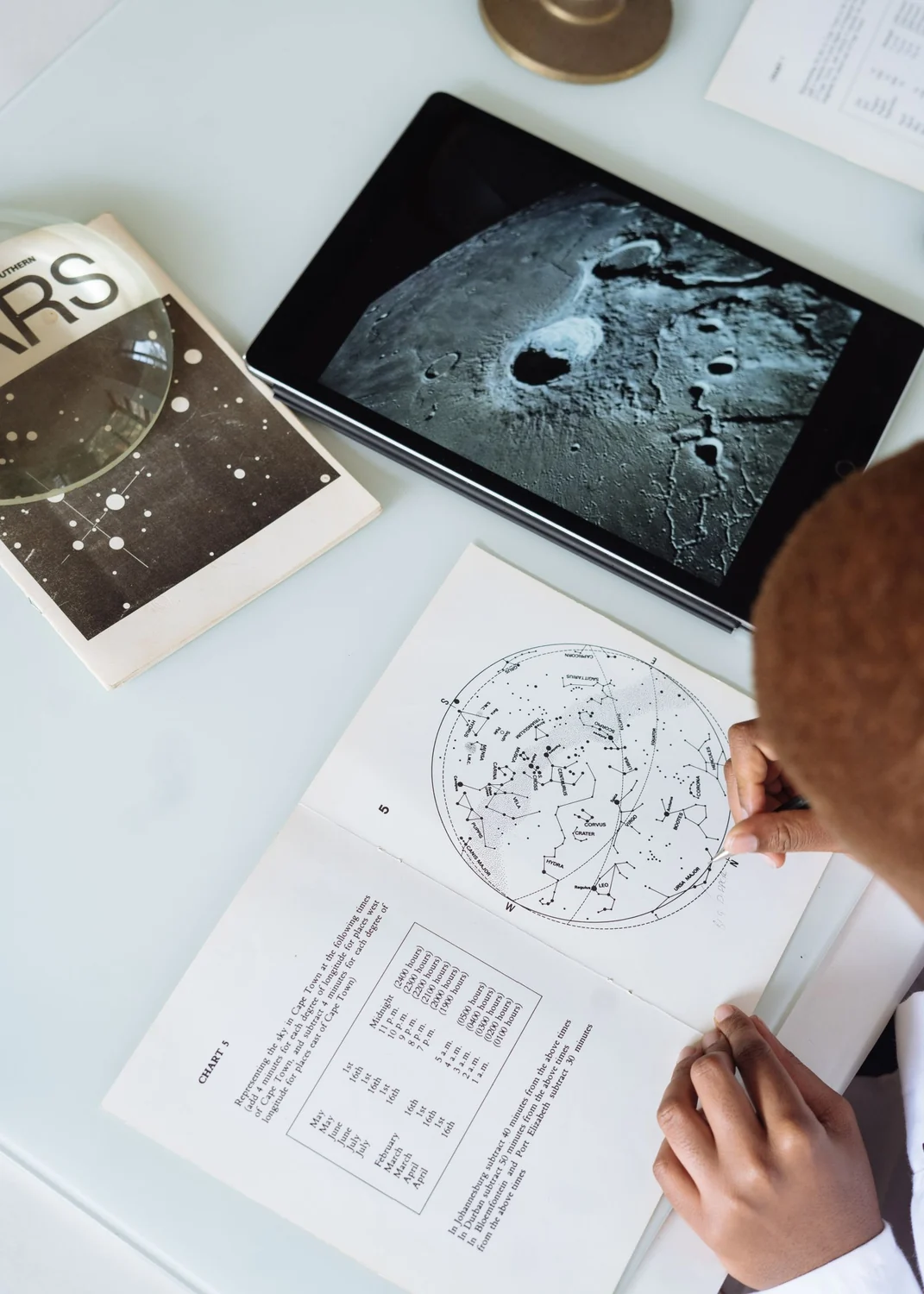
Astronomy learning materials and a moon image

Educational Content and Presentations

Make abstract ideas easier to explain. Youmiro AI image maker supports text-to-image scenes for lessons and presentations; describe a historical setting or a visual analogy, then review the AI image generator output for factual accuracy before teaching with it.

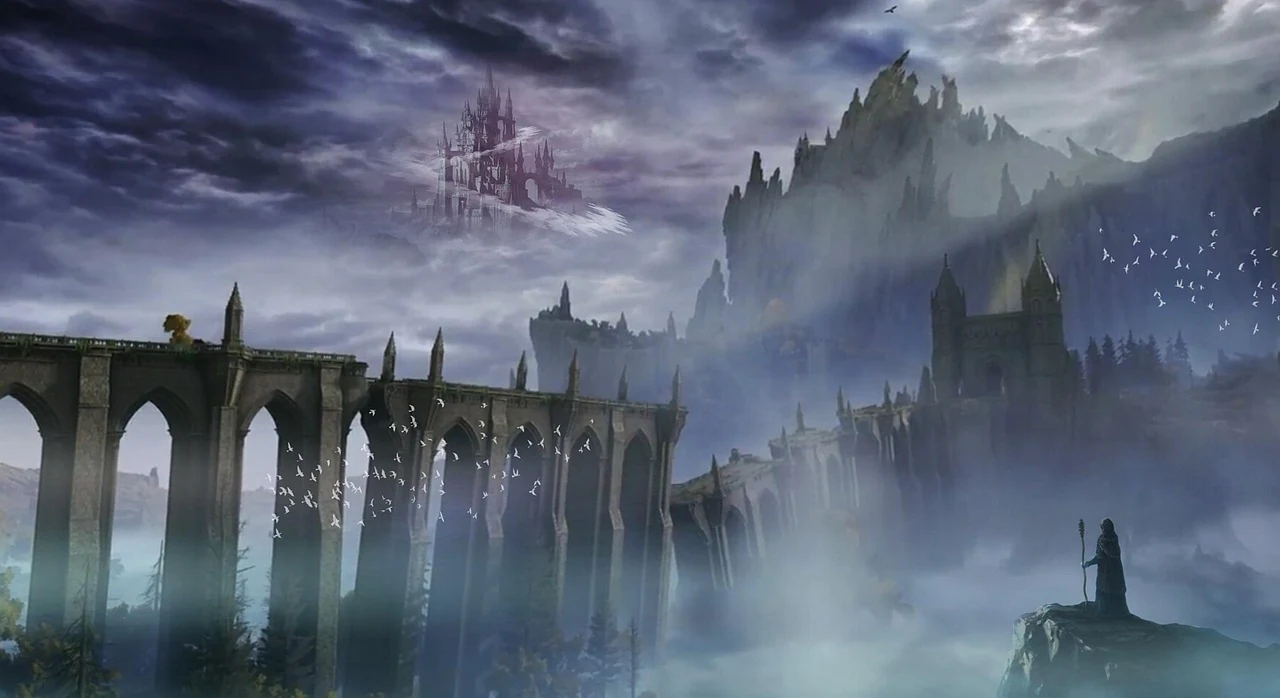
A fantasy castle in a mountain valley

Game Art and Development

Explore a game world before building production assets. The AI image maker takes text-to-image descriptions of environments, props, and characters, helping establish a shared art direction.

Use it for reference boards that communicate the palette, lighting, and materials the team will develop.

Creator Feedback on Youmiro AI Image Maker

Share your feedback

Frequently Asked Questions About Youmiro AI Image Maker

AI Image Maker Blog and Creative Guides

Find practical guides to prompts, reference images, and output settings. Learn how to develop a visual idea into a clear brief and choose the controls suited to your project.

Visit the blog

Writing an image brief

Describe the subject, light, and composition in terms that fit the project.

Choosing a reference

Choose a photo or sketch that conveys the details you want to keep.

Planning the final crop

Plan the framing for a cover, a banner, or a square product tile.

Create Your Next Image with Youmiro AI Image Maker

Describe a scene, add a reference if you have one, and generate your next visual. Put the AI image generator to work on a text-to-image brief with the free plan, then download the result that fits your project.